
Your brand from registration page to Event App
Set colors, logo and font on registration pages and the Event App, theme your kiosks, design your badges and build emails to match. An add-on hides Eventpack branding on supported surfaces; a white-label app is set up separately.
Trusted by event teams at
“Your registration solution as an organizer is one of the first things people touch. If it's not a really good representation of your brand and the image you want to project, it's a problem.”

Registration pages and emails that look like yours
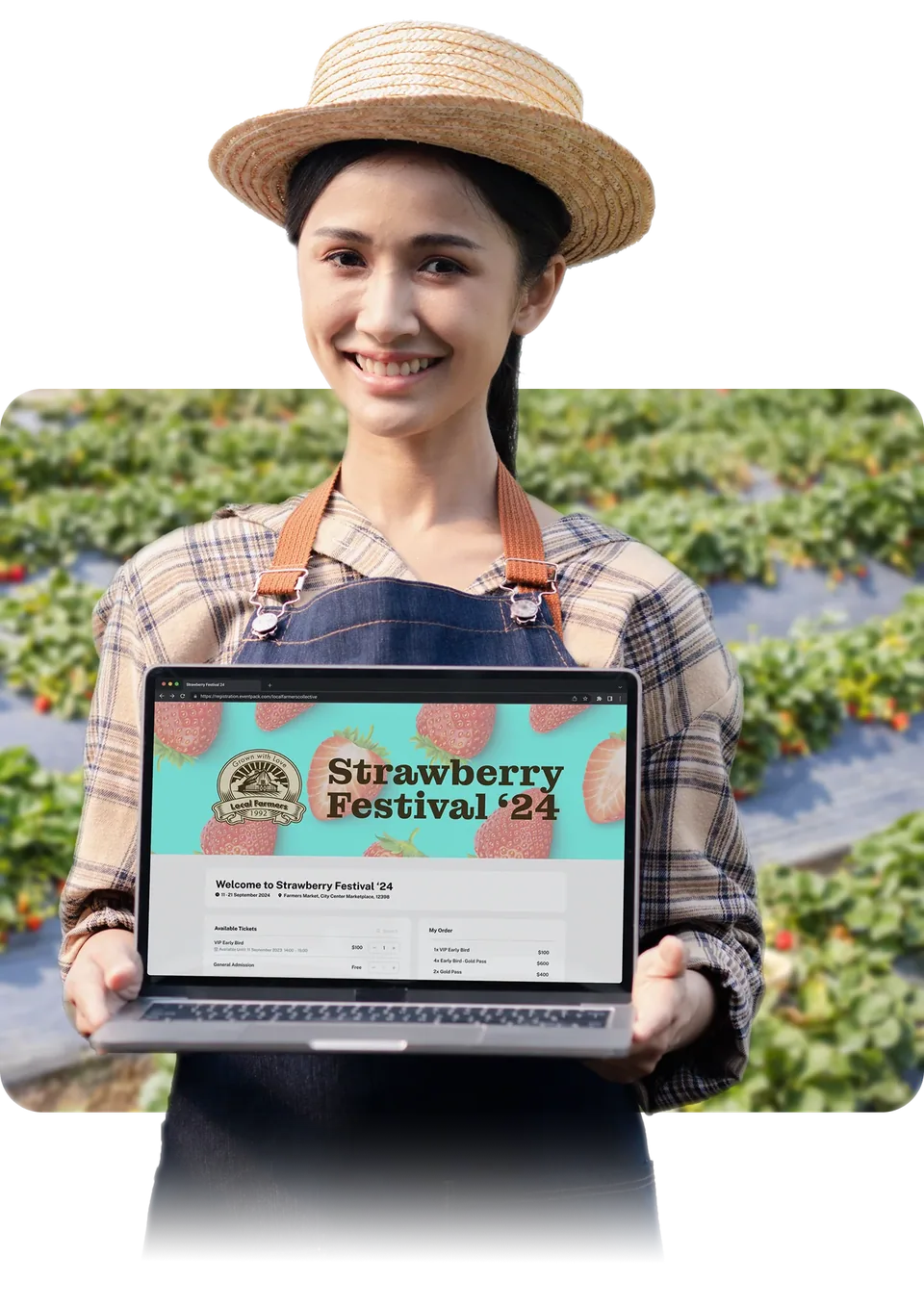
The registration page is the first thing an attendee sees, and the confirmation email is the second. Style the page with your colors, logo, covers and chosen font (ask us which plan includes it), and design the email to match.
- Your colors, logo and cover images on desktop and mobile, a font that fits, and your own headline, footer and confirmation message
- Run it as a full page at a custom web address or embed it on your own website, and duplicate a page rather than rebuild it
- Email templates built drag-and-drop or from your own HTML, with merge fields for standard attendee and event data and a test send
- Send under your organization's name from a verified sender with custom email sending (ask us which plan includes it); changing the visible sender address is a further Enterprise add-on
A branded welcome at the check-in desk
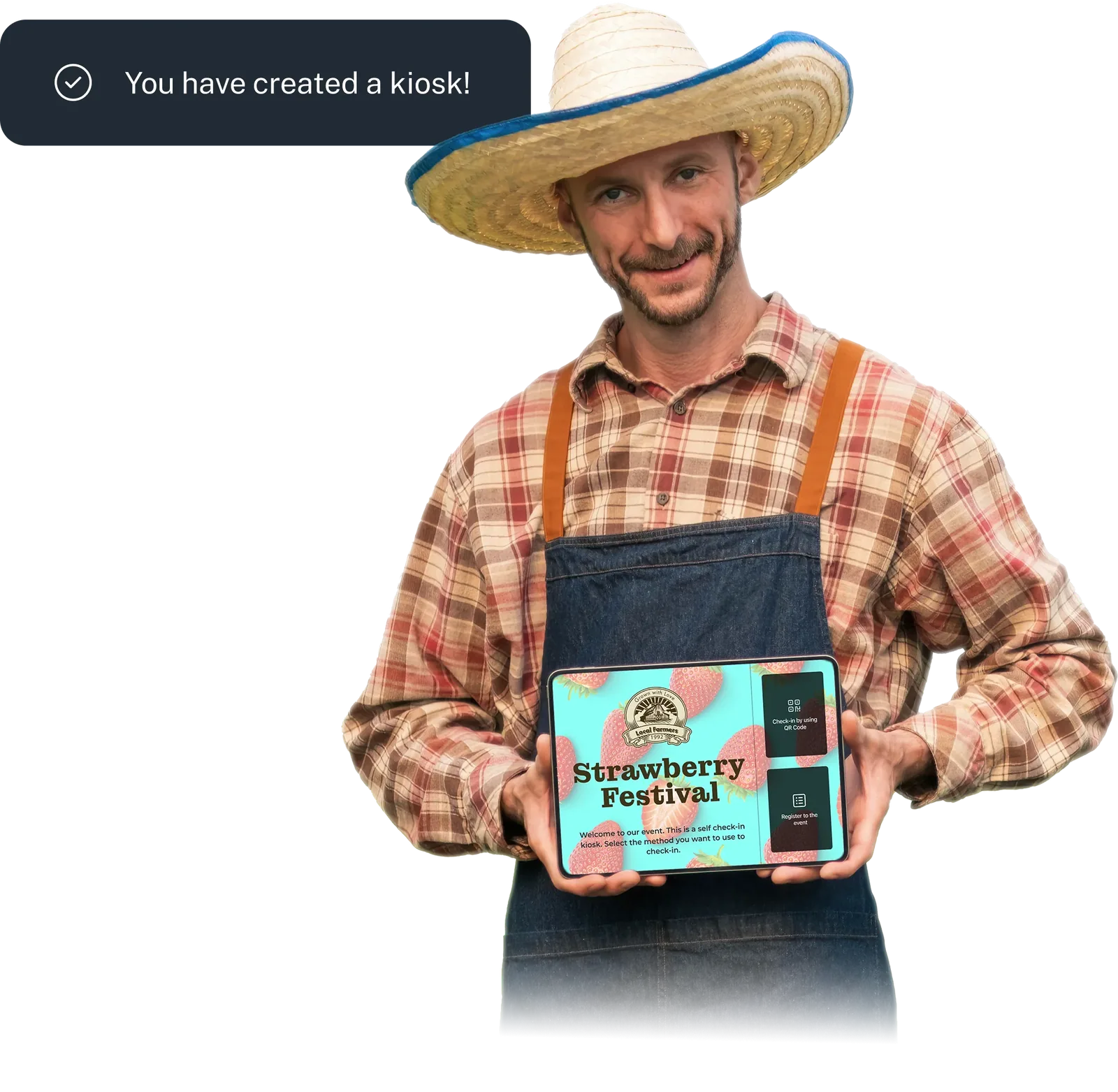
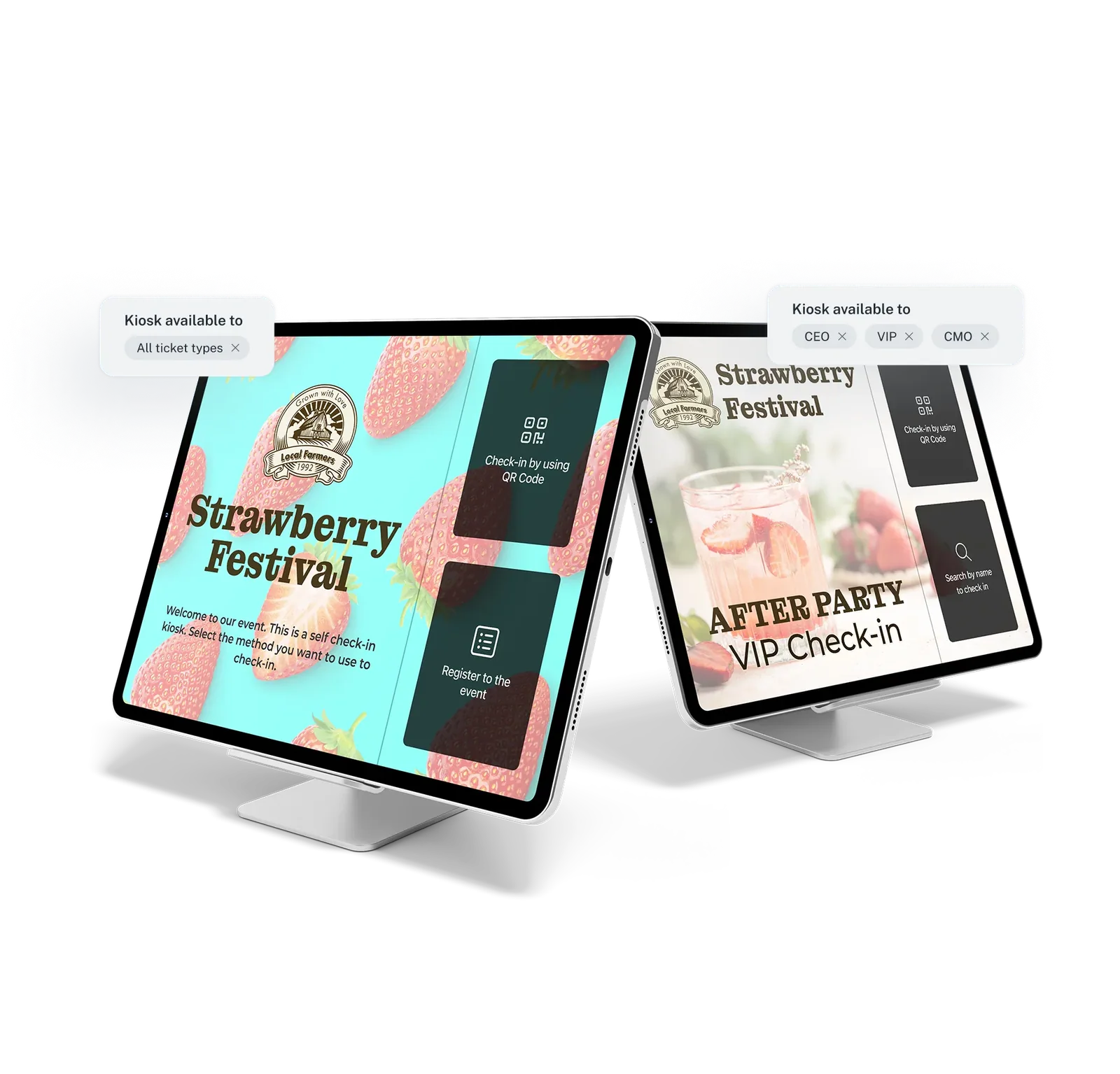
Check-in is where attendees meet your event in person. Theme your kiosks, write the messages attendees see as they arrive, and design badges around each attendee's details and ticket color.
- Your kiosk theme and custom styling, your own welcome and finish screens, portrait or landscape, for self-service and staff-assisted check-in
- Your own words at arrival: a welcome after check-in for each ticket type, and a helpful note when someone's registration can't be found
- Drag-and-drop badge designer with each attendee's registration details, single- or double-sided, with a different design for the ticket types you choose
- Supports Zebra, Brother and Epson printers or a custom driver, with common label sizes built in; the color you give each ticket type shows on badges and at check-in
An Event App that carries your brand
Give attendees one branded place for the agenda, speakers and updates, in your colors, icon, logo and chosen font. The Event App is an add-on; a white-label app with your brand is set up separately.
- Set colors, icon, logo and font in the visual builder; attendees see nothing new until you publish, so you can prepare changes in advance
- Attendees open it on their phone, and your branding follows them from the home page to the agenda, speakers, sponsors and networking
- A white-label app for organizations that want their own branded app, with optional App Store and Play Store links and its own push messages
- With the AI add-on, the builder chat proposes page and theme changes; nothing is applied until you accept it

Where your brand lives in Eventpack
Account-level settings that keep each event and invoice on brand, and the add-ons for hiding Eventpack branding or running client accounts.
Remove Eventpack branding
Hide Eventpack's mark on supported surfaces, so they show your organization instead of ours. A separately granted add-on; the legal terms at checkout always stay.
See account administrationEvent logo and banner
Give each event its own logo and banner, so a conference and a client dinner in the same account each look like themselves.
See event setupInvoices with your logo
Put your legal name, tax details and logo on invoices, so the paperwork buyers receive matches the rest of your event. Needs the payment add-on.
See payments and taxSub-organizations
Give each client, chapter or brand its own account, with its own events and team, under your main account. Needs the sub-organizations add-on: one main account with a tidy hierarchy of client and brand accounts beneath it.
See sub-organizationsBranding and white-label questions
Yes, with the Remove Eventpack branding add-on, which is granted separately. It hides Eventpack branding on supported surfaces, and we confirm the exact list for your events before you commit. For an app under your own name and icon, ask us about the white-label app.
Yes. The legal terms at checkout stay visible with or without the Remove Eventpack branding add-on. The registration page's colors, font, logo, covers, headline, footer and confirmation message are yours to set.
You brand and build the Event App visually, and attendees open it in the Eventpack app on iOS or Android. A white-label app is your organization's own branded app container, with optional App Store and Play Store links and its own push messages. It is set up separately, so talk to us before you promise one to stakeholders.
With custom email sending (ask us which plan includes it), emails go out from a verified sender under your organization's name. Changing the visible sender address itself is a further Enterprise add-on. Custom sending replaces the default registration emails, so set up your own versions before you switch it on.
Yes; ask us which plan includes it. Embed the registration form on your own site as a widget, limited to the websites you approve, or use a full page at a custom web address. You can unpublish a page when registration closes and duplicate it when you need another.
Yes. Each event has its own logo and banner, its own registration page look and feel, its own kiosk theme and its own Event App theme. With the sub-organizations add-on, each client or brand can also have its own account, with its own events and team members, neatly organized under your main account.
Bring your logo and colors to a demo
We'll walk you through the branding controls, from the registration page and emails to check-in and the Event App, and confirm which add-ons your events need.