
Give exhibitors a workflow, not another inbox.
Stop chasing partner details by email. Eventpack keeps exhibitor setup, tasks and booth lead capture on the same event record, so your team follows up less and exhibitors leave with leads they can act on.
Trusted by event teams at
“They can take it with them. They can scan somebody in the bar if they meet somebody in the bar.”

Why teams choose Eventpack for exhibitors and sponsors
You control partner records, tasks, caps and what exhibitors see; exhibitors get a portal, the lead capture app and, with the Meeting Hub add-on, booked meetings. Leads come from the attendee's registration, so booth staff never retype contact details.
Let partners handle their own booth setup
Exhibitors and sponsors sign in to their own portal to complete the booth profile, upload documents and products, invite their team and set who can do what. You see the result; nobody emails you a logo.
- Company details, logo, documents, products and categories, kept current by the partner when you allow booth editing
- Partners invite their own team and decide who handles the profile, lead capture, meetings and tasks
- Booth staff register on the ticket type you choose, within the cap you set
- Leads and qualifying questions sit in the same portal, plus calendar, meetings and messages with the Meeting Hub add-on

“We are very happy with the Partner Hub. We mainly hear from our clients and partners that it is very user-friendly and clear. From registration to lead scanning, everything works smoothly and intuitively.”
Organize partners before they arrive
Turn partner prep into tasks instead of email threads. Assign each exhibitor or sponsor what they owe, cap their team and lead capture licenses, then review what comes back.
- Collect files, dates, text answers and choices as tasks, not as email attachments
- See which partners are done, overdue or waiting for your approval
- Optional weekly reminder emails for open tasks; you review each submission and approve it or ask for changes
- Custom partner fields and a partner FAQ you write once instead of answering the same question again and again
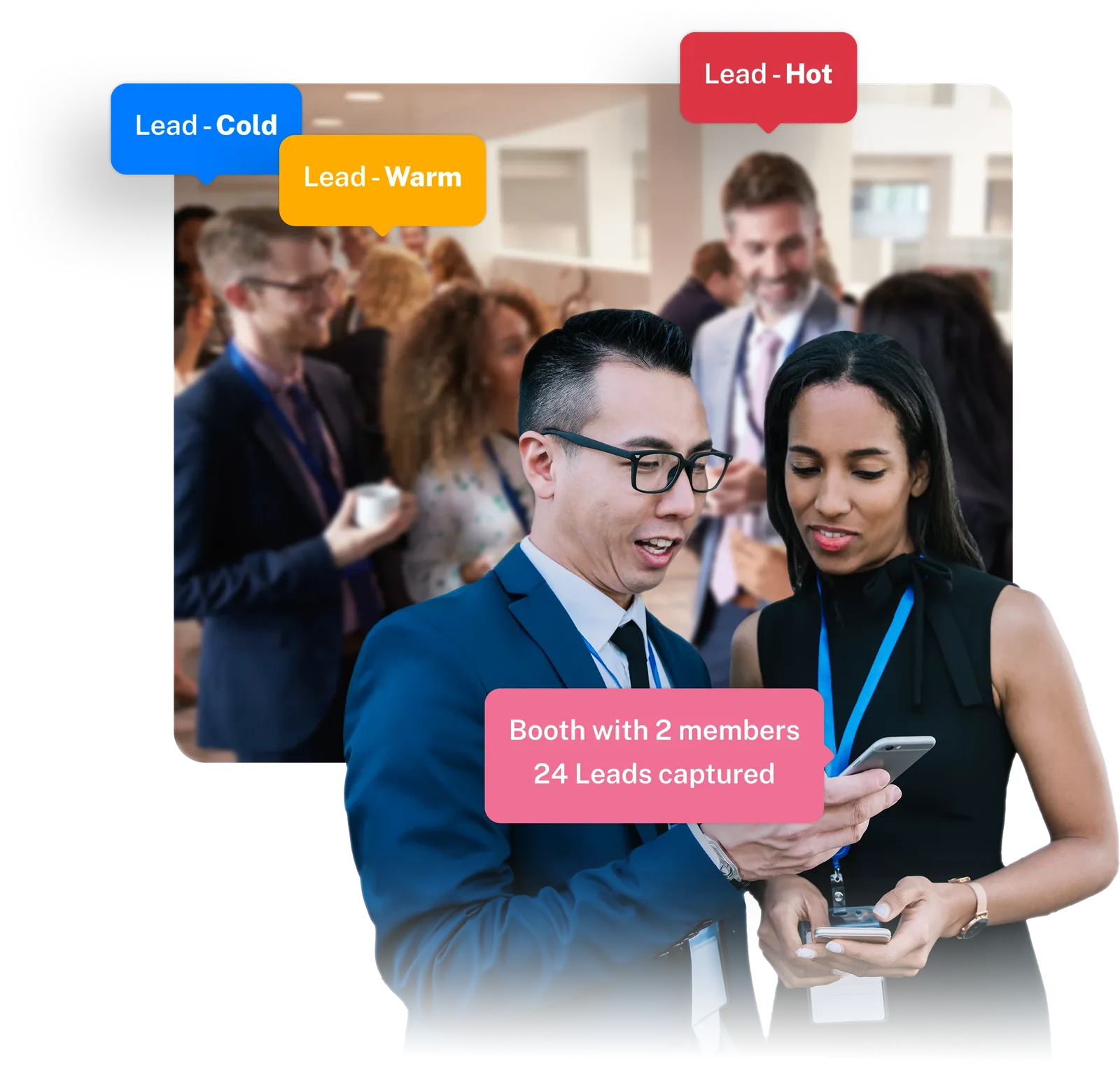
Turn badge scans into leads with context
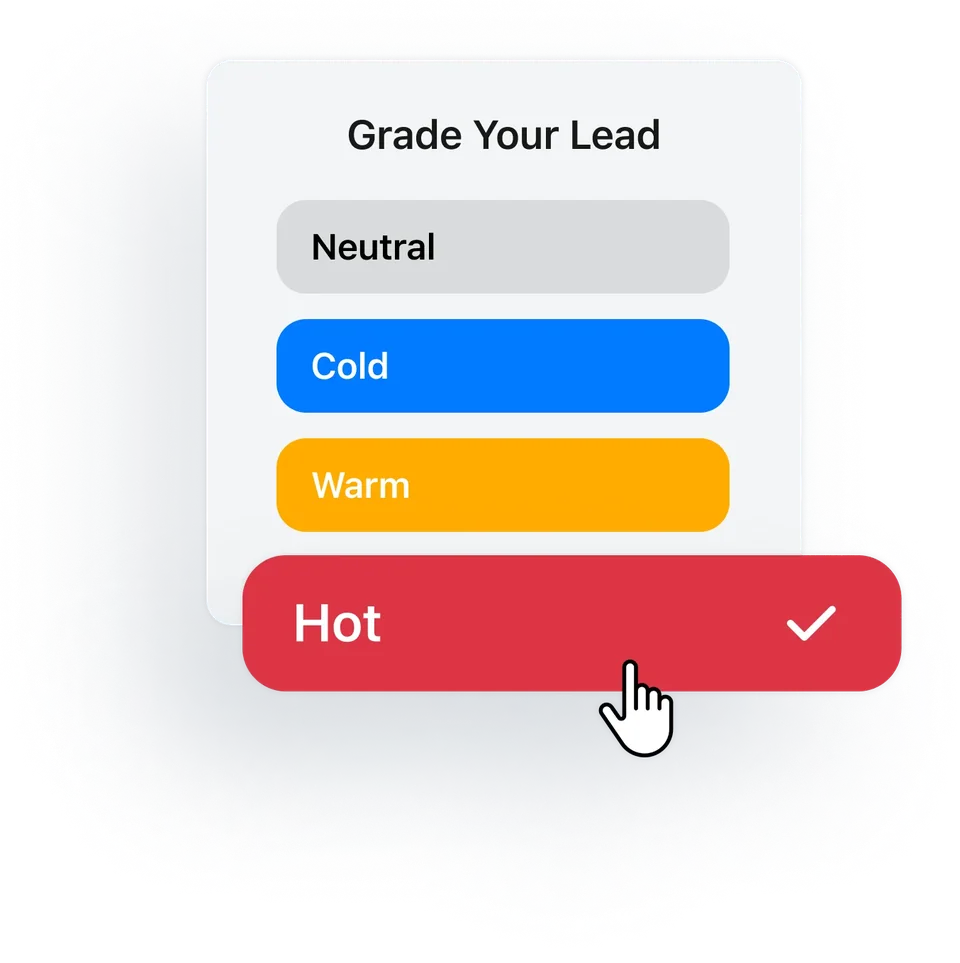
Booth staff scan the badge in the lead capture app, answer the exhibitor's qualifying questions, grade the lead hot, warm, neutral or cold and add notes. A scan creates a lead record with the registration fields you share.
- Each exhibitor sets its own qualifying questions, so booth staff ask what their sales team needs to know
- Notes and a relationship timeline on every lead, so follow-up picks up where the booth conversation ended
- The app keeps scanning when the hall Wi-Fi drops, and leads sync to the portal once the connection is back
- You cap lead capture licenses per exhibitor and decide whether repeat scans are allowed
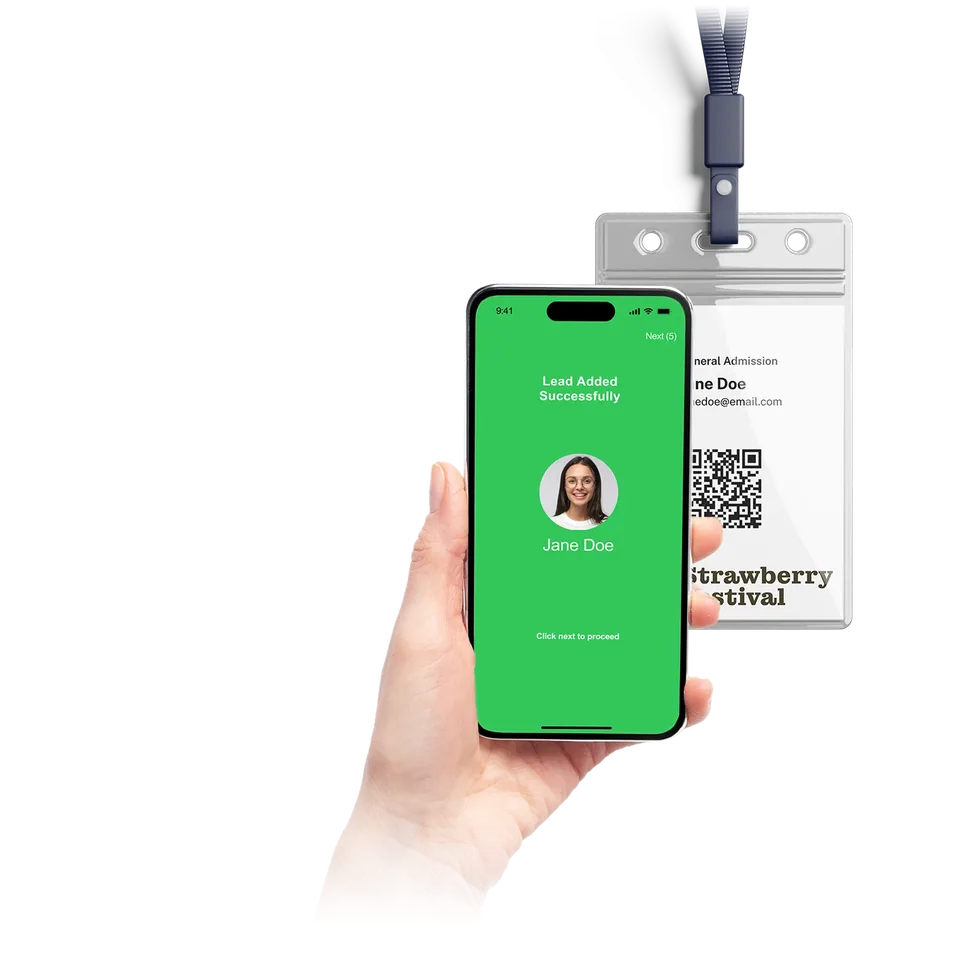
Keep captured leads usable after the show
Grades and notes tell the exhibitor's sales team who to call first, and leads go out by export or straight to a supported CRM once it is connected. With the Meeting Hub add-on, attendees also book 1:1 meetings with exhibitors.
- Exhibitors export their leads from the portal, and you can export them per partner from your side
- Leads can be pushed to the partner's CRM when a supported CRM integration is connected for them
- You decide when meetings can be booked, how long they run, who can book and whether exhibitors accept first (Meeting Hub add-on)
The partner tools, one by one
Six tools that take a partner from first invite to the last lead export.
Exhibitor & Sponsor Management
Keep every exhibitor and sponsor, with booth, category and sponsorship level, in one list, and cap team size and lead capture licenses to match each package.
Explore exhibitor managementPartner Portal
Give each exhibitor and sponsor team one place to update their profile, finish tasks, manage booth staff and work their leads within your permissions, plus meetings and messages with the Meeting Hub add-on.
Explore the Partner PortalLead Capture App
Booth staff scan a badge, even offline, ask the exhibitor's qualifying questions, then grade and note the lead, so the sales team has the context to follow up.
Explore lead captureMeeting Hub
Attendees book 1:1 meetings with exhibitors inside the rules you set, and exhibitors manage them from a calendar, meeting list and messages. Available with the Meeting Hub add-on.
Explore meetingsFloor plan and CRM connections
Exhibitor records and linked locations sync in from a supported floor-plan tool by exhibitor id, and captured leads can be pushed to a supported CRM once that connection is set up.
Explore integrationsPartner reporting
Export leads per partner, and build partner-scoped reports that run now or on a schedule during or after the event.
Explore the Report BuilderConnected to the rest of your event
Exhibitor and sponsor questions
Yes. Each partner team signs in to the portal to complete the company profile, upload documents and products, invite team members and assign roles. You assign tasks, they see what is outstanding or overdue, and you can turn on weekly reminder emails for open tasks. You review each submission and approve it or ask for changes.
If your floor plan runs in a supported floor-plan tool, it stays there and Eventpack syncs from it. Link each partner to its exhibitor id and Eventpack pulls in the exhibitor record and its linked location about every ten minutes, more often close to the event, or whenever you run a manual sync. Records match on that id, so every company keeps its own record, even when two names look alike.
Scan the attendee's badge, answer the exhibitor's qualifying questions, set a grade and add notes. You choose whether lead capture is locked to a single device and whether booth staff can scan the same attendee more than once. Each scan becomes a lead record the exhibitor's team can follow up after the show. Scanning carries on without a connection, and leads sync once the app is back online.
They export leads from the Partner Portal, and you can export per partner from your side. When a supported CRM is connected for that partner, captured leads can be pushed into it as well. Eventpack grades each lead hot, warm, neutral or cold, so exhibitors know who to call first and their CRM takes it from there.
Yes, with the Meeting Hub add-on. You set meeting length, buffer, booking windows, eligible ticket types and whether a meeting books instantly or needs the exhibitor to accept. Attendees book from the attendee portal, or from the Event App if you run one; exhibitors see a calendar, their meeting list and messages. Chat between attendees and exhibitors also comes with Meeting Hub.
Yes. Per partner you cap team size, partner registrations and lead capture licenses, and you choose the ticket type partner staff register on. You also decide whether exhibitors can see the attendee list and which registration fields appear on a scanned lead.
On our default plans, exhibitor and partner tools come with every plan, switched on per event, and partner tasks are turned on separately. Meeting Hub, the Event App and AI are separate add-ons. CRM connections come with Enterprise by default or are added separately, depending on the CRM. The lead capture app uses a license per booth user plus organization credits.
Both are partner companies. You flag each one as exhibitor, sponsor or both, give it a booth, categories and a sponsorship level, and the same portal, tasks and permissions apply. Exhibitors and sponsors can get their own pages in the attendee portal and, with the Event App add-on, in the Event App.
See your partner workflow in Eventpack
Show us how you run partner operations today, from onboarding to lead handoff, and we will walk through the same flow in Eventpack.