
Sessions that connect registration, agenda and the door
Multi-track programs bring full rooms, restricted workshops and clashing time slots. Set each session's rules once in Eventpack, and the registration page, attendee agenda and session door all follow them.
Trusted by event teams at
“You guys saw the vision that we had, and I will say, created an amazing platform that allowed us to do badging and session scanning.”

Build the program. Carry it through the event.
Go beyond the published agenda: your team needs a program it can run, attendees one they can follow, and rules that hold at the door.
Plan rooms, seats and prices in one place
Program planning often lives in a spreadsheet that drifts away from registration. In Eventpack each session carries its own time, room, seat limit and price, and you decide whether attendees may book sessions that overlap.
- Group sessions by track and tag, and place them in rooms, on stages or at booths
- Seat limits, prices and tax per session, with pay by invoice when invoicing is on and the event allows it
- Allow or block overlapping sessions, and attach documents to any session
- Bring sessions in or out by file, or import them from a supported registration platform where that integration is on your account
Control who books, sees and enters each session
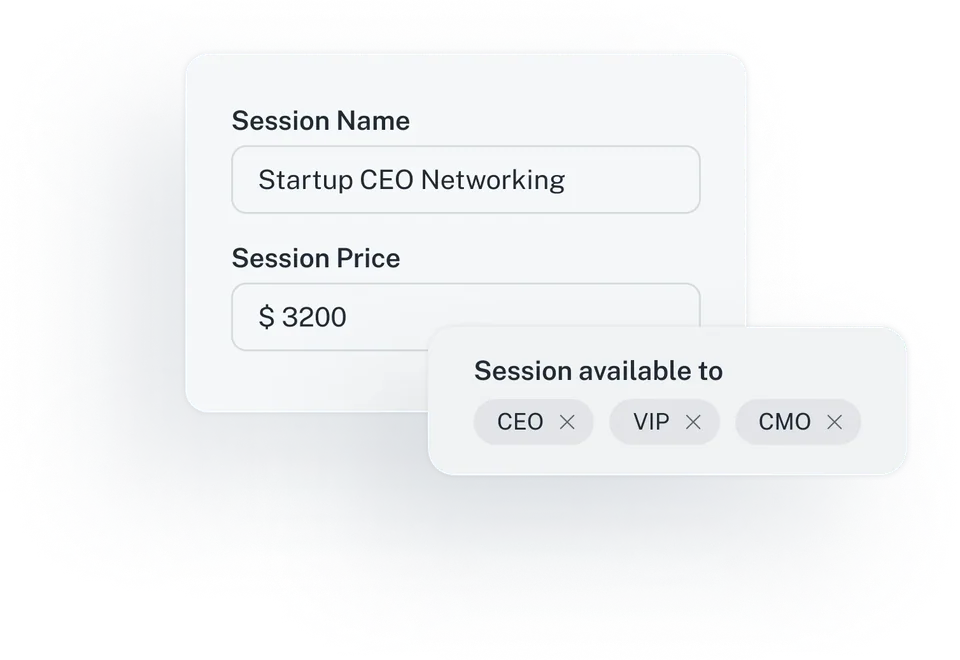
VIP workshops, member-only tracks and paid masterclasses need different rules. Decide who may register, where each session appears and what happens when someone arrives at the door without having registered for it.
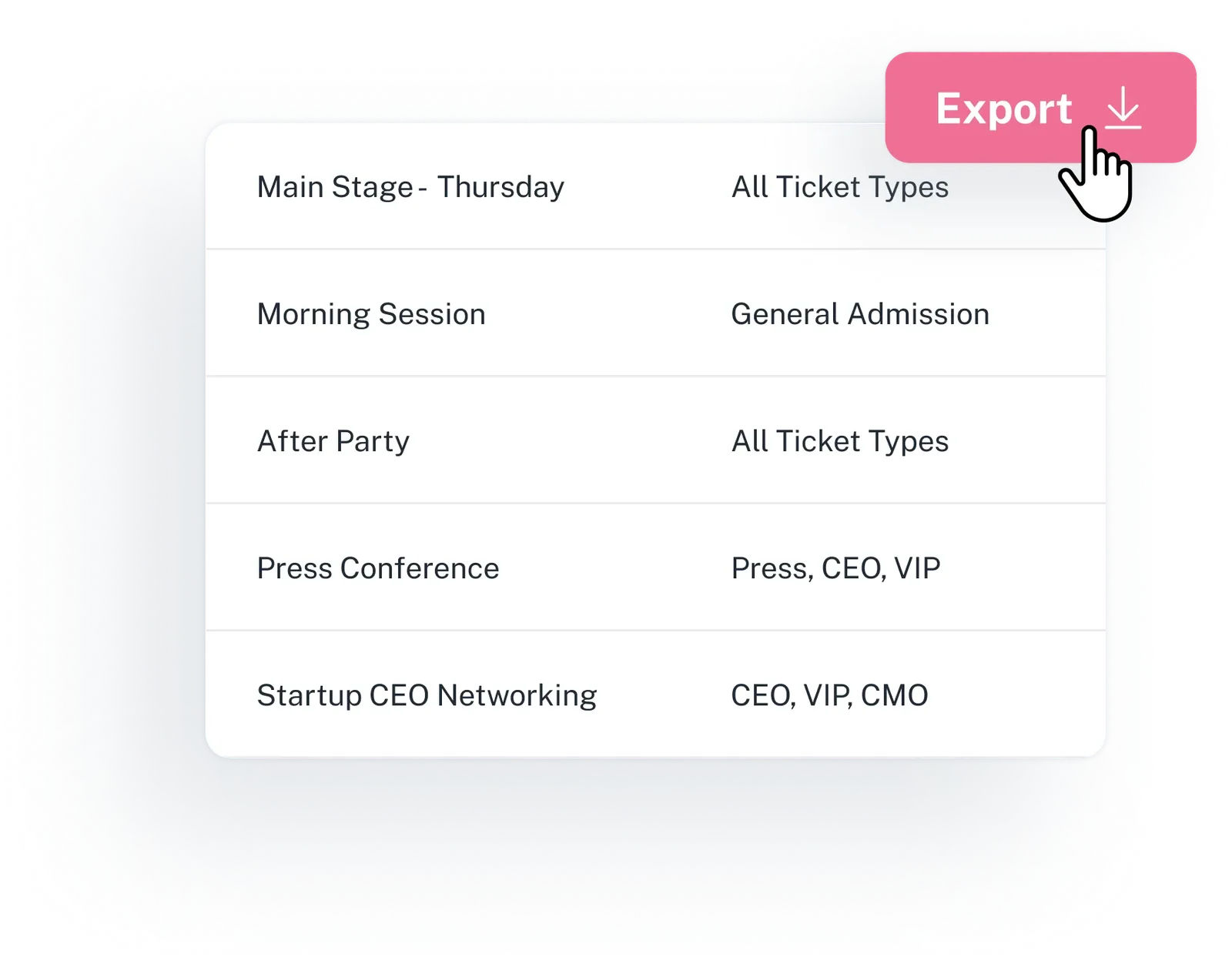
- Who may register: all tickets, a list of ticket types or a matching registration answer
- Show a session, hide it or make it view-only, separately on the registration page, in the agenda and Event App, and at the kiosk
- Auto-add a session to the personal schedule for everyone eligible or for selected tickets
- At the door, turn away anyone who did not book, register them on the spot or let staff add them manually, all within capacity

Know who attended, then ask how it went
Session check-in and check-out build an attendance record for each person. Surveys open at the start or end of a session and can go only to the people who were in the room.
- Session check-in and check-out, plus points that reward attendance where you turn on gamification
- Keep a session survey open at all times, or open it as the session starts or ends and set it to close minutes later
- Send it only to people who were in the room, to everyone signed up for the session, or to any attendee
- Session check-in and session attendance reports, run now or scheduled, exported as CSV
“I think this was maybe the first event in my 10+ years of doing session scanning where the temp staff didn’t freak out and think there was an issue with the scanners during the first breakout block, so kudos for making them that intuitive.”
From speaker slides to the personal agenda
Speakers upload their own files, attendees keep their own agenda, and your team sees who came and what they thought.
Sessions & Agenda
Set up every session with times, location, capacity, price, tracks and tags, then decide where it appears and who may register for it.
Explore sessions and agendaSpeakers
Link speakers to their sessions and let them upload their own slides, so you stop chasing files by email. They see their speaking sessions and your speaker FAQ in the attendee portal.
See speaker toolsSurveys
Collect session and event feedback while it is fresh, with rating, NPS, ranking, file upload and more, offered to the audience and ticket types you choose.
See surveysCheck-in & Session Access
Check attendees in at each session door and keep every session within capacity, with check-ins and check-outs feeding your session reports.
See session check-inSession signup at registration
Let attendees choose sessions while they register, grouped by date if you prefer, and offer an optional schedule page afterwards where they review their picks, or change them if you allow it.
Registration PagesPersonal agenda
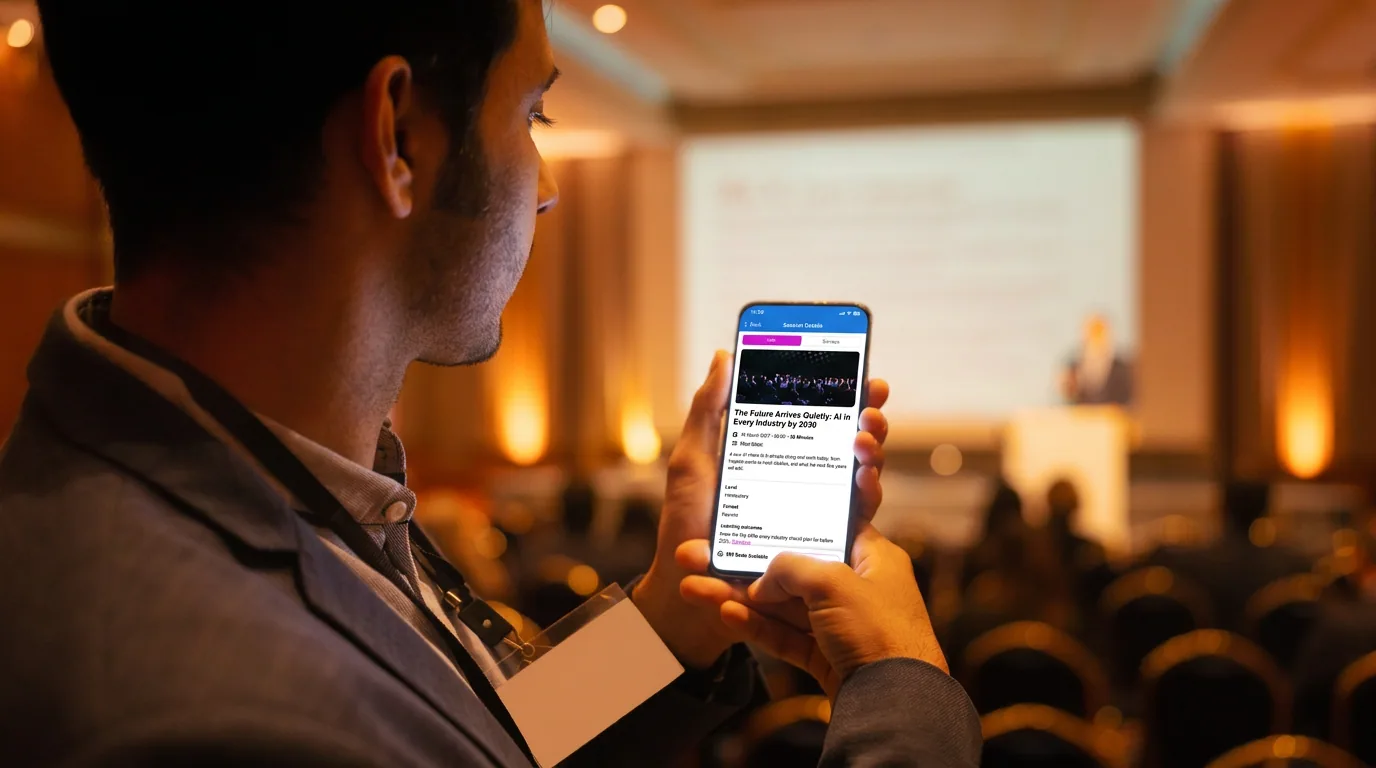
Attendees see the session list and their own agenda in the attendee portal, and on their phones with the Event App add-on, following the visibility and ticket rules you set.
Event AppSession data moves with the attendee record
Signup at registration, session emails, check-in at the door and attendance in reports all use the same record. Import sessions from a supported registration platform where the integration is connected, and send session check-ins to your other tools through a no-code automation.
What organizers ask about sessions
Give the session a capacity and choose deny, auto-register or manual add for people who arrive without registering for it. Capacity is enforced at the door, and check-out is recorded as well.
Yes. Each session can be open to all tickets, to a list of ticket types or to people whose registration answer matches a value you set. Visibility is set per place, so a workshop can show in the agenda but stay off the kiosk, or appear view-only on the registration page. The attendee agenda in the portal and Event App follows these visibility and ticket rules.
Yes. Attendees pick sessions on the registration page, on an optional schedule page after they register, or at a kiosk where session pickup is turned on, within the rules you set. Their personal agenda then shows in the attendee portal and, with the Event App add-on, in the Event App. You can auto-add must-attend sessions, allow or block overlaps and cap the number of sessions per ticket type.
Yes. A session can carry its own price and custom tax, and it joins the same order as tickets and shop items. Where invoicing is on and the event allows pay later, you can allow offline payment per session. Card checkout and invoicing need the payment add-on, and session promo codes need the promo add-on.
Speakers get their own view of the sessions they speak at, can upload slides and files to those sessions, and can read the speaker FAQ you write. They sign in to the attendee portal with an emailed code, so there is no extra password to manage. Behind the scenes, a speaker is a registration you mark as a speaker and link to one or more sessions.
Yes. A session survey can be offered to attendees who checked in to that session, to those registered or checked in, to anyone eligible for it, or to any attendee, and can be limited to ticket types. It can open at the start or end of the session and close a set number of minutes later. Respondents can be attendees, speakers or partner users, and a survey can be anonymous.
The Report Builder has session check-in and session attendance reports, plus registration reports with session columns. Pick columns, filters and sort, then run it now or schedule it daily, weekly, monthly, during or after the event. Output is CSV or zip, emailed to the teammates you choose. Session reports come with session management (ask us which plan includes it), and bulk export depends on the export add-on, on every plan.
Session management covers sessions, speakers and surveys. Ask us which plan includes session management; you switch sessions on for each event. Attendees see their agenda in the attendee portal; showing it in the Event App on their phones needs the Event App add-on.
Bring us your toughest session rules
Share your tracks, room capacities and ticket rules, and we will show how one of your sessions runs in Eventpack, from booking to check-in.