
Check in, print the right badge, track attendance
Queues, missing badges and unplanned walk-ups are what attendees remember. Eventpack runs arrival from the attendee record you already hold: kiosk or staff check-in, walk-up registration, badges on Zebra, Brother or Epson, and session access.
Trusted by event teams at
“We don't hear from attendees about the check-in process, which is a good sign. Attendees only speak up when there's a problem.”

Every arrival and exception on one record
Your floor team handles check-in, badges, walk-ups, session doors and every exception on one attendee record. Check-in and badge printing keep going when the venue Wi-Fi drops, and everything syncs once you're back online.
Keep peak arrivals moving, at kiosk or desk
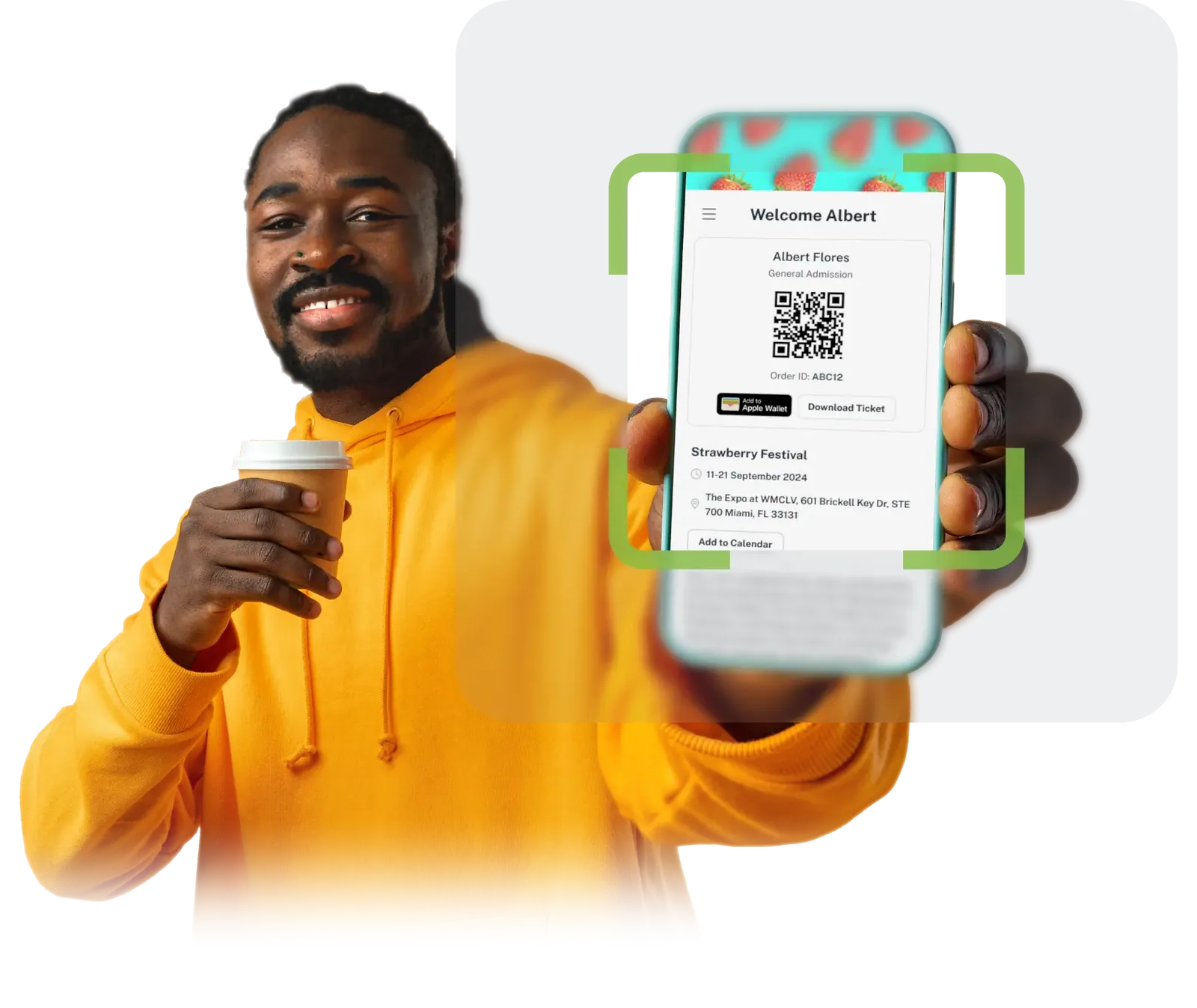
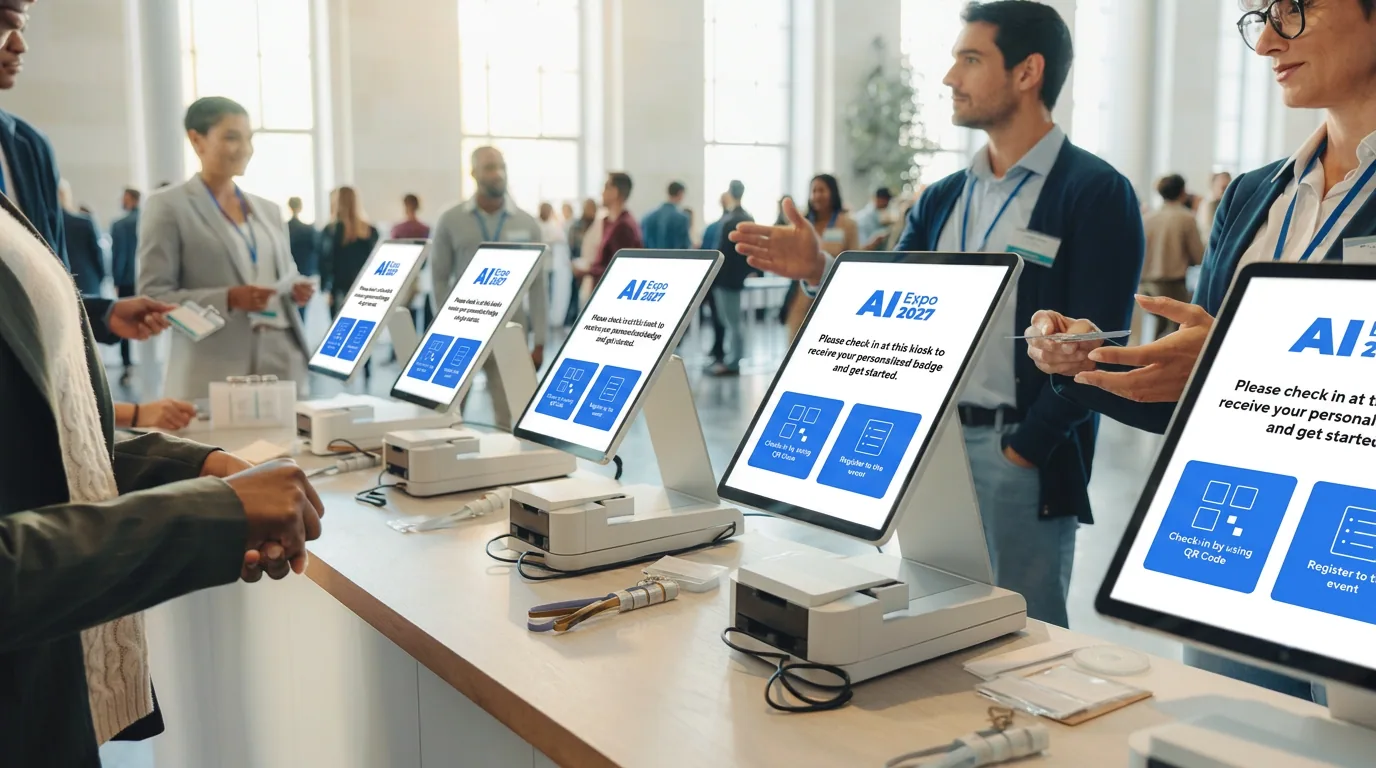
Some arrivals want to help themselves; others need a person. Run self-service kiosks, staff-assisted check-in or both, online or off, so staff spend their time on the exceptions.
- Scan a ticket code or search by name and email, with your own not-found message
- Fast check-in mode with your own message, for when the queue builds
- Choose what attendees can do after check-in, and keep check-out or badge printing for staff only
- Match the kiosk to the event: theme, portrait or landscape, home and finish screens
“The client said it was the best registration experience of their career – so we can’t ask for more than that! Thank you so much for all your hard work in the planning to make things run as smoothly on site as they did.”
Badges that print right, from real attendee data
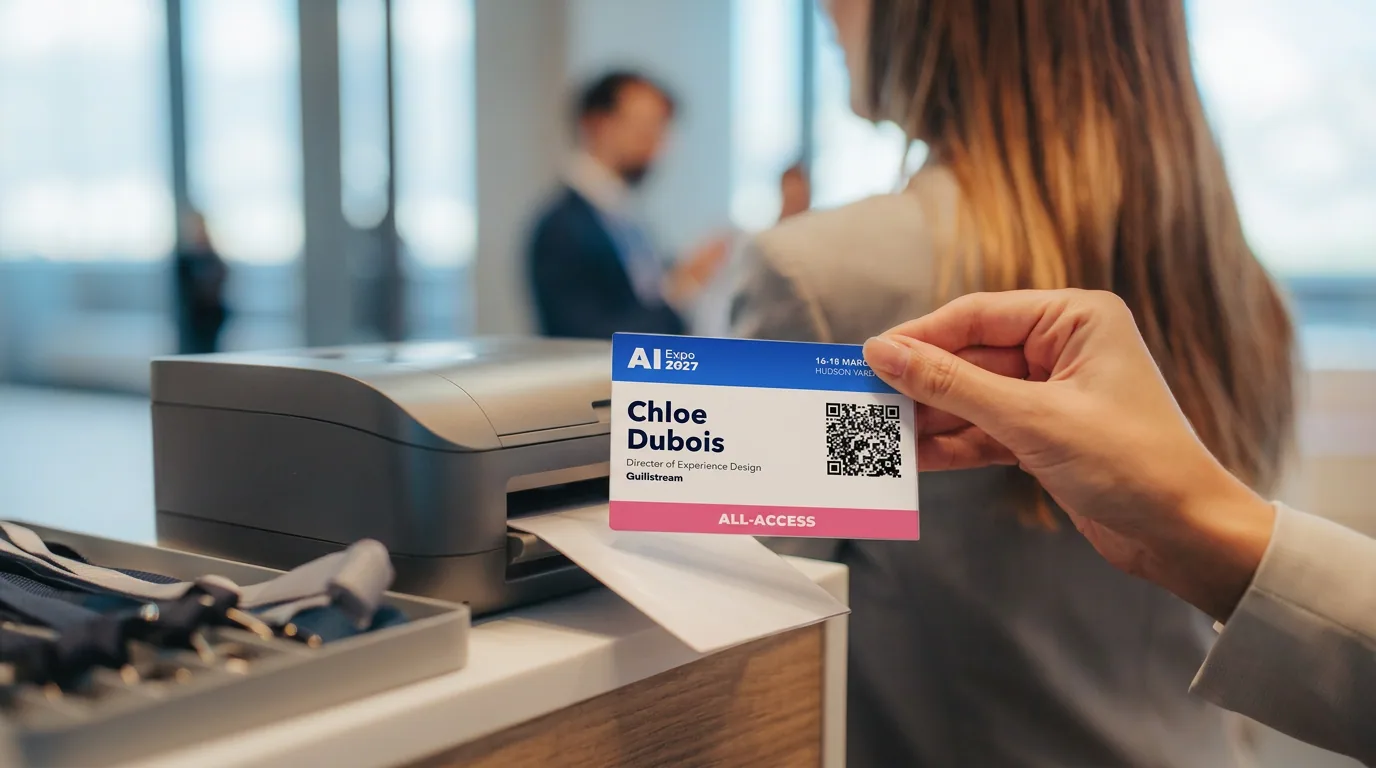
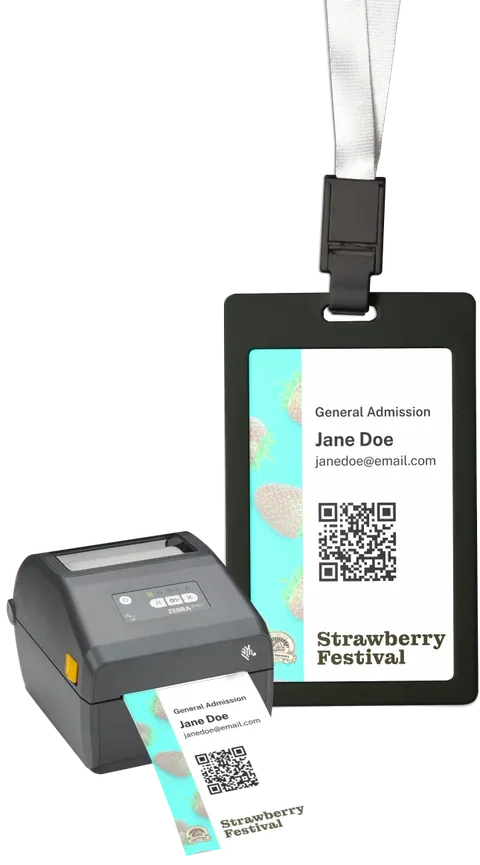
Different roles need different badges, and nobody should leave the desk without one. Design by drag-and-drop with names, companies and tickets pulled from registration, then print at check-in, even offline.
- Drag-and-drop designer that pulls text from registration, for single- or double-sided badges
- Zebra, Brother and Epson printers or a custom driver, with common label sizes built in
- One badge for every ticket, or a different design per ticket type
- See who still needs a badge and whose badge was printed again, on each person's record
Walk-ups and changes, handled at the desk
Someone arrives without registering, or with the wrong name on their badge. Register them on the spot for the tickets you allow, fix their details, check them in and print, all on one record.
- Walk-up registration at the kiosk, on all tickets or only the ones you choose
- Edit a person's details onsite before the badge prints
- Preview the badge before it prints, so mistakes are caught at the desk
- Transfer a ticket or resend the ticket email from the guest list when your rules allow
Session rules that hold at the door
Limited-capacity sessions need rules at the door. Scan attendees into each session and decide what happens when someone is not on the list: deny entry, register them automatically or let staff add them.
- Session check-in and check-out, recorded alongside event check-in (ask us which plan includes it)
- Set the door policy per session, so an open keynote and a closed workshop follow different rules
- Capacity enforced at the door, so a full room stays full
- Optional session pick-up at the kiosk after check-in
The details your floor team will lean on
Each one runs on the same attendee record, with no separate tool to set up.
Sign documents at the kiosk
Collect a waiver or terms as a kiosk step. Make it required or optional for all or selected tickets, email the person a copy, and keep the signed version on their registration.
See kiosk check-inCheck-in notifications
Email your team when a VIP, a speaker or a whole ticket type checks in at the event or a session, with your own message and recipients. Needs the email add-on.
See check-in and session accessOne code for every door
Choose one code format per event (standard QR, vCard, Code 128 or PDF417), and the same ticket code checks people in at the front door and at session doors.
See code formatsKiosks for the right people
Point a kiosk at all tickets, a ticket list or people with a matching registration answer, so a VIP or exhibitor desk only finds the people it serves.
See who a kiosk servesOnsite status on the dashboard
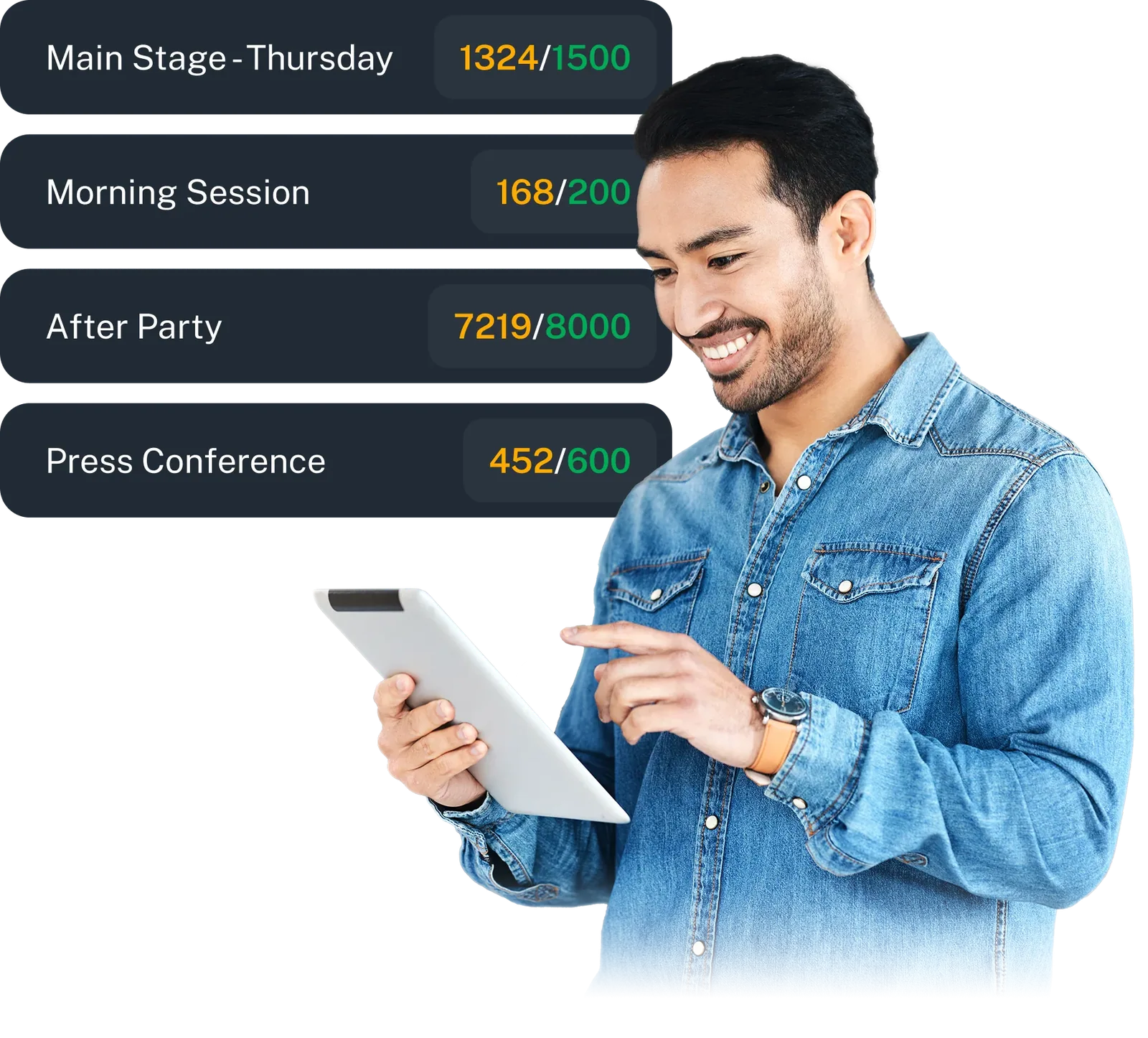
Follow registrations, check-ins and badges printed on the event dashboard during the day, with what's happening now and charts by time and ticket type.
See the event dashboardAttendance you can export
Build event check-in, session check-in and session attendance reports, run them now or schedule them during and after the event, and send teammates a CSV. Needs the export add-on (every plan).
See the Report BuilderYour printers, your tablets, your wider stack
Use your own tablets and printers, or rent them with our help. Badges print on supported Zebra, Brother or Epson printers, and check-ins can add people to a CRM list or start a no-code automation when those connections are on.
Questions onsite teams ask before event day
Zebra, Brother and Epson printers, or a custom driver. Common label sizes are built in, from Zebra 3×2.5 to 4×6 inches and Brother rolls, and Epson printers get paper, cut, peel and quality options. Share your exact printer model and label size with us during setup, and we will confirm the configuration with you.
No. Use the tablets and supported printers you already have, or we can help you rent the hardware for your event. Tell us what you plan to use, and we will confirm the setup with you before event day.
Walk-up registration runs on the kiosk for the tickets you allow, in self-service or staff-assisted mode. The person registers on the spot, staff can correct the details, and check-in and badge printing follow on the same record. Nothing ends up in a spreadsheet to reconcile later.
Yes. A self-service kiosk finds each person by code scan or name and email search, shows your check-in message and can print their badge. You choose whether check-out, session pick-up and badge printing are open to attendees, hidden, or kept for staff behind a password. Kiosk mode and badge printing are on every plan, and advanced kiosk mode is an Enterprise add-on.
Venue Wi-Fi usually is, so we don't rely on it. We send you a dedicated router, giving your kiosks and printers a network of their own. And if even that goes down, Eventpack keeps working offline: check-in, badge printing and lead scanning carry on, and everything syncs as soon as the connection is back.
Each session has a door policy: deny people who are not registered for it, register them automatically on scan, or let staff add them by hand. Capacity is enforced at the door, and session check-in and check-out are recorded with the rest of the attendance. Ask us which plan includes session management.
Yes. You can start with Eventpack at the door: import registrations from a supported registration platform, or by bulk upload, then run check-in, badge printing and lead capture in Eventpack. Platform imports flow one way, into Eventpack, so your registration system stays exactly as your team left it. They come with the Enterprise plan or as an add-on, depending on the platform, so we check them against your account.
Each plan includes a check-in allowance, and a contract can set a different one. Check-ins, badge prints and session attendance draw on your organization's credits, and you can buy more. Tell us your expected attendance and we will size the plan with you.
Walk us through your arrival plan
Bring your printer models and session rules. We will go through check-in, badges, walk-ups and session doors for your own setup.