
Every client event on brand, from one account
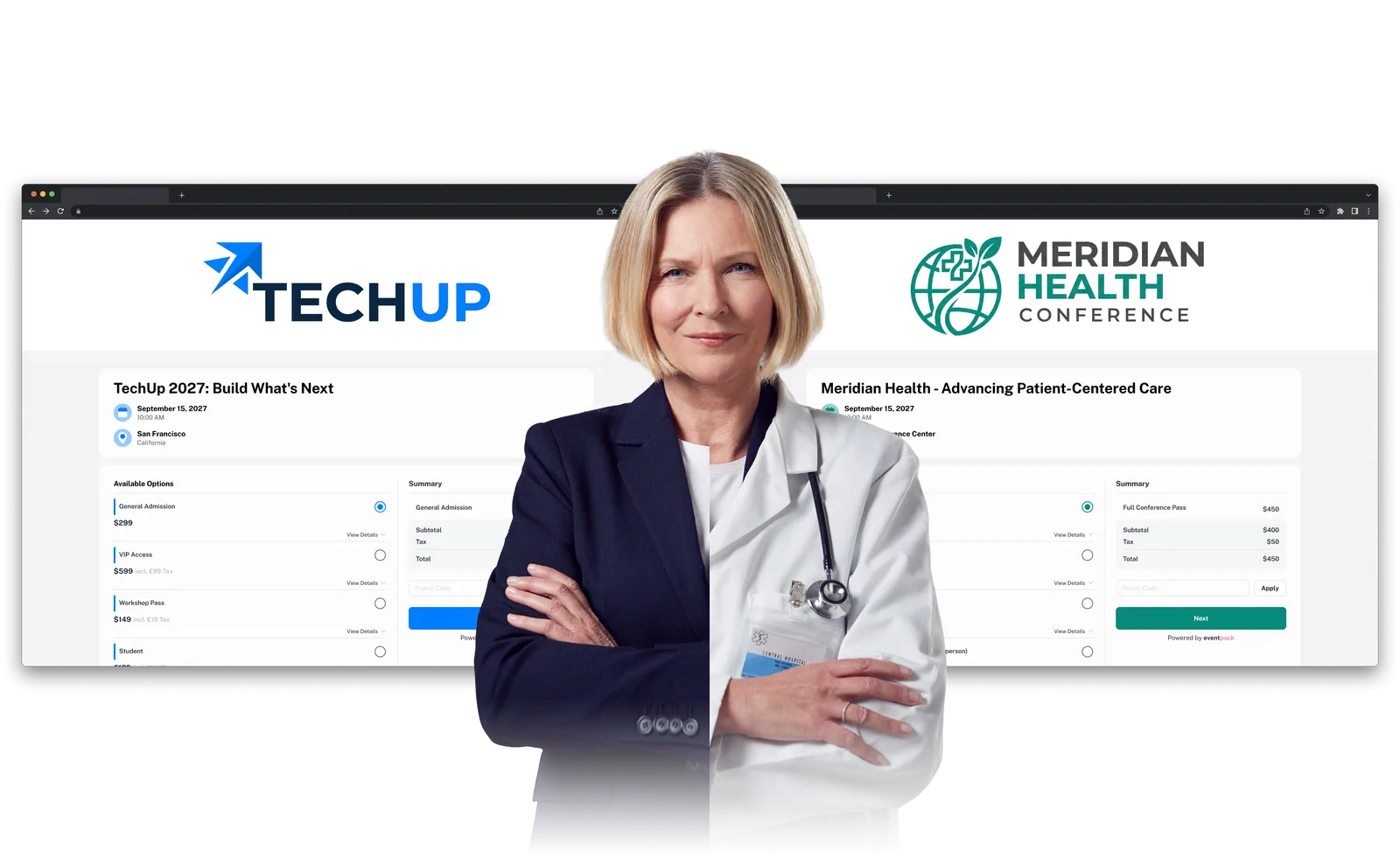
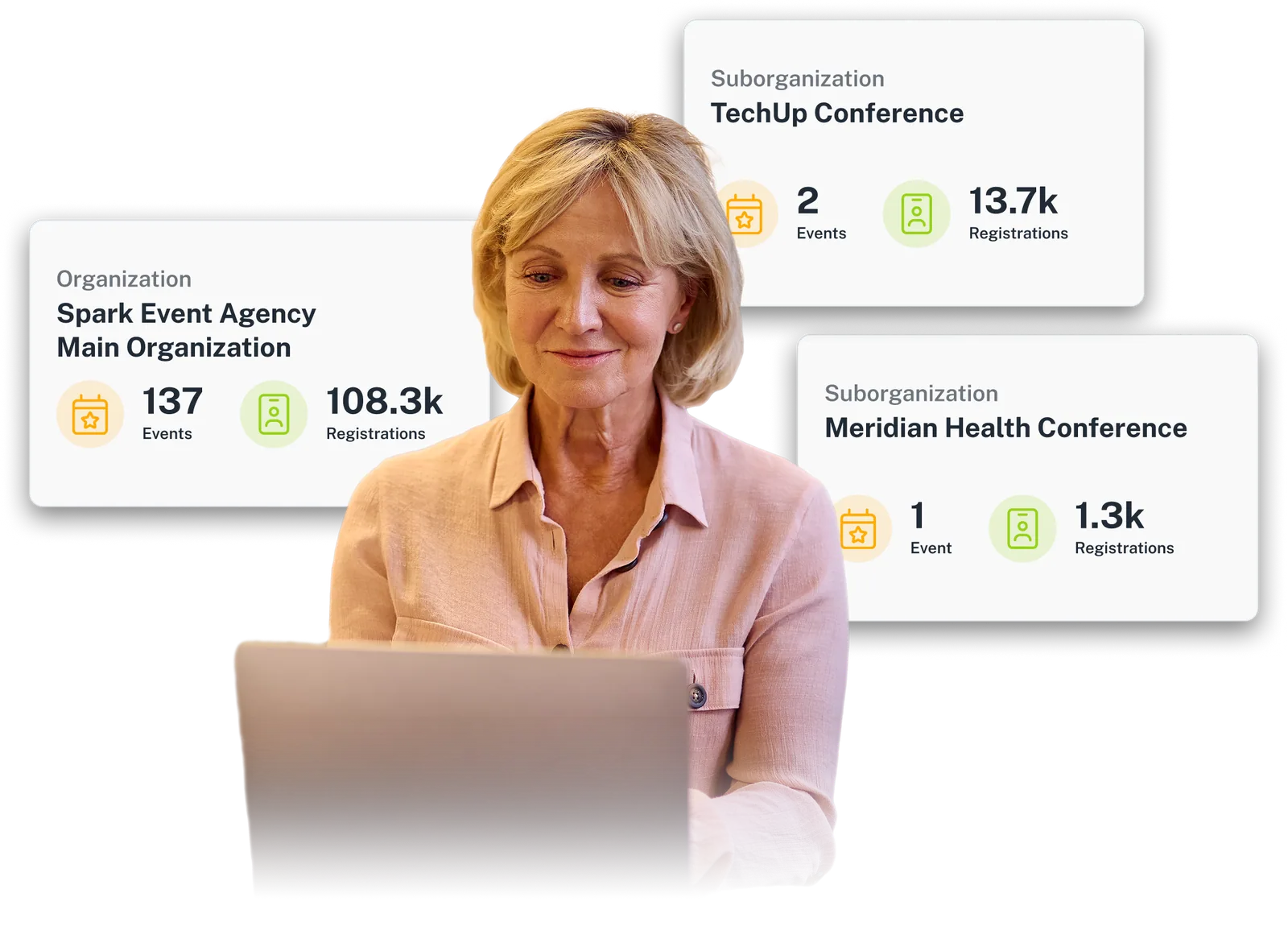
You run events for several clients, each with its own brand, team and deadlines. Eventpack gives your agency one account for all of them: branded registration pages, kiosks and badges per event, team roles and optional client sub-accounts.
Trusted by event teams at
“It becomes a revenue generator for our client because we can brand the iPad stands, the screens, and even the thank-you messages to sponsors.”

Before, during and after, for every client
The same workflow for each client event, set up from your organization home and handed over with the results.
Before: set up the client's event
Open the client's event with their logo and banner, build the registration page in their colors and import the invitation list by file. Your team is already in place, each member with a role.
During: run the door under their brand
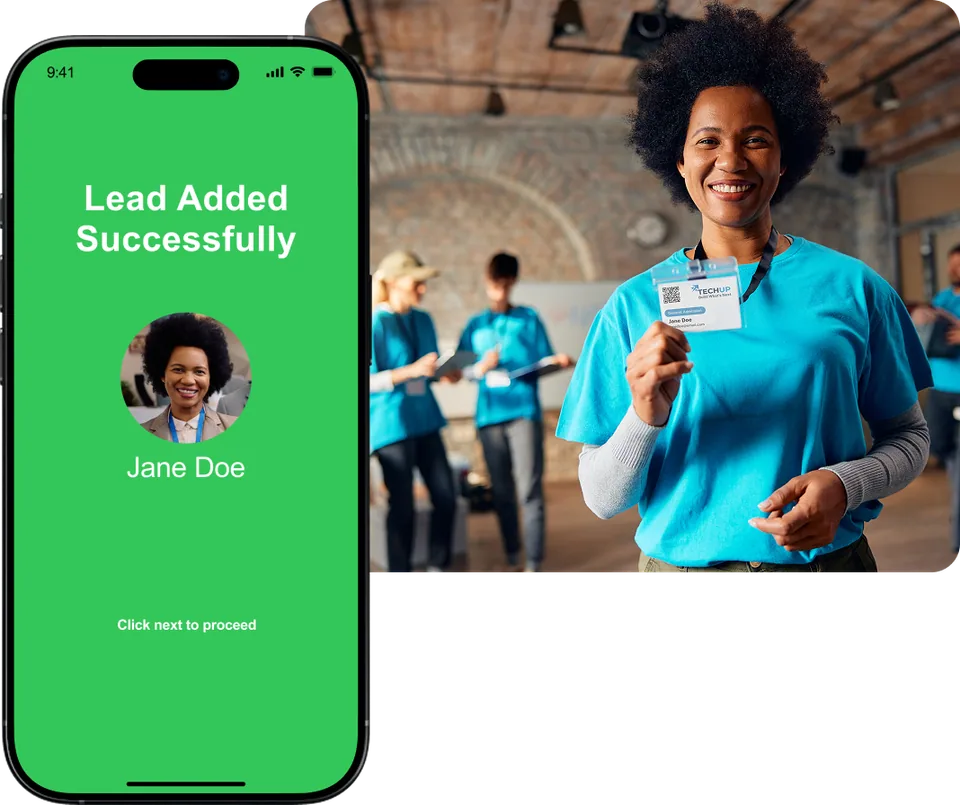
Check people in at kiosks in the client's colors, print badges on demand, take walk-ups and hold session capacity at the door. The client's exhibitors scan and grade leads in the Lead Capture App.
After: hand over the results
Schedule the client's reports on registrations, check-ins, session attendance and orders, and export the leads their exhibitors captured. Then open the next client's event from the same home.
One agency account, client sub-accounts when needed
Some clients want an account of their own. Keep client events in your organization home, and with the Sub-organizations add-on give a client a child account with its own events and members.
- Your client events in one organization home, each with its own logo, banner, venue and currency
- Sub-organizations add-on: a child account per client with its own events, team members and, where included, automation and API connections
- Each team member has a role, such as Owner, Admin, Staff or Report user; seat counts depend on plan
- Your organization's credit wallet, with a history of purchases and of credits used by registrations, check-ins, badge prints and lead capture
Client branding all the way to the door
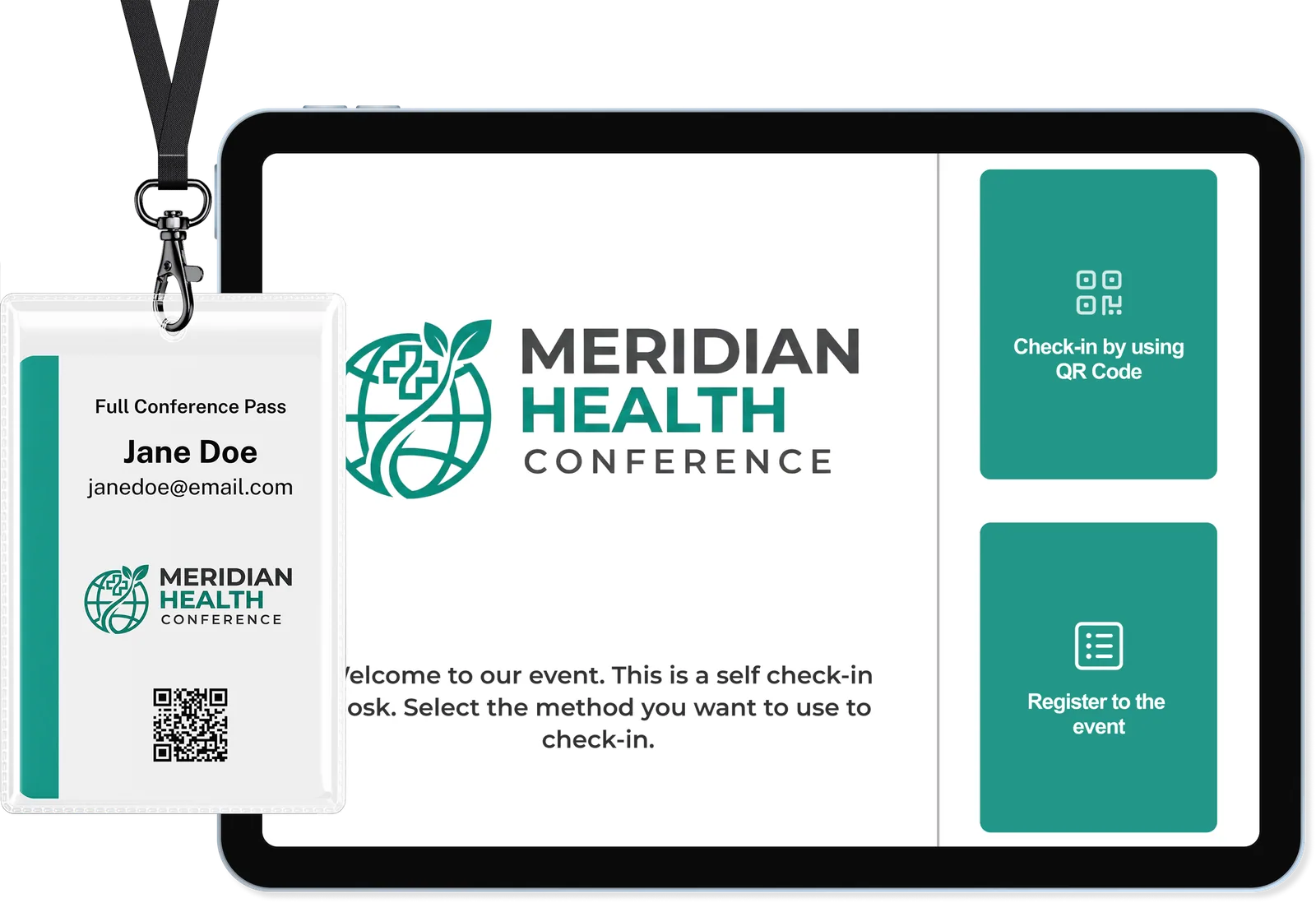
The door is where a client judges you. Kiosks run in the client's theme, each event gets its own badge design, and badges print from the registration you already hold, on your tablets and a supported printer.
- Kiosks in each client's theme, with their own welcome and finish screens and check-in by code scan or name search
- Badge designer per event, with a different design per ticket type, printed on Zebra, Brother or Epson
- Walk-up registration for the tickets you choose, quick profile edits at the kiosk, and each person's badge tracked as printed or reprinted
- Session check-in that holds room capacity and, per session, turns away, auto-registers or manually adds people who did not sign up
Every client's results, ready on schedule
Clients want to know who came, what they attended and what their exhibitors took home. Build each report, clone it for a variant, schedule it, and send registrations and leads to a supported CRM where connected.
- Report Builder for registrations, orders, check-ins, session attendance and registration-page analytics, with your columns and filters
- Run a report now or schedule it daily, weekly, monthly, during or after the event, emailed to your team as CSV
- Exhibitors scan badges, grade leads hot, warm, neutral or cold, add notes and export their leads
- Registrations and leads to a supported CRM (Enterprise or add-on), no-code automations (ask us which plan includes them), and the Customer API add-on for your own systems
What changes per client, what stays yours
Each event carries its own brand and settings. Your organization home, team and connections stay in place between them.
Branded registration pages
Give each client event a registration page or embedded widget in their colors, font and logo, so sign-up looks like the client's own. Ask us which plan includes registration pages.
See registration pagesAn Event App per event
Build a branded Event App for each client event: their colors, font, icon and logo, with sessions, speakers, exhibitors and push notifications. Needs the Event App add-on.
See the Event AppRemove Eventpack branding
With the Remove Eventpack branding add-on, Eventpack's mark is hidden on supported surfaces so the client sees their brand. Legal terms at checkout stay; a store app is a separate white-label setup.
See branding and white-labelImport what the client already has
Import the client's invitation list, registrations or sessions by file; a registration import can send a welcome email and QR ticket. Bulk upload is on every plan; ask us which plan includes sessions.
See bulk importEmails in the client's brand
Replace the default registration, check-in and invitation emails with designs in each client's brand, with replies going where you choose. Ask us which plan includes custom sending; changing the sender address is an Enterprise add-on.
See event emailFits the client's existing stack
When a client keeps its registration platform, import its registrations, sessions and answers one way through a supported import, then run check-in, badges and lead capture in Eventpack. Enterprise plan or an add-on.
See supported platformsQuestions agencies ask before they commit
Yes. Every event you create sits in your organization home with its own brand, dates, venue and currency. If a client needs a space of its own, the Sub-organizations add-on gives it a child account, set up under yours, that runs its own events, team members and, where included, API and automation connections. Ask us to include the add-on when we scope your package.
Each new event starts from your organization home, where your team, wallet and connections stay in place. Within an event you can duplicate a registration page, and sessions, promo codes (Enterprise), invitations and registrations import by file, so an export from one event can seed the next.
Partly. Each event carries the client's brand on its registration page, kiosk screens, badges and Event App, and the Remove Eventpack branding add-on hides Eventpack's mark on supported surfaces. Eventpack's legal terms stay visible at checkout. A store app under your own brand is a separate white-label setup that we scope with you.
You, your client or your onsite partner can bring them, or we can help you rent the hardware for the event. Badges print on Zebra, Brother or Epson printers or a custom driver, with common label sizes built in. Share your printer model and label size before the event, and we will confirm the setup with you.
If a client wants its own login, the Sub-organizations add-on gives it a child account with its own events and team members. Inside your organization, each member has a role, such as Admin, Staff or Report user; we will confirm what each role can see before you invite a client contact. If they only need the numbers, schedule a report to your team and pass the file on.
Yes, for the registration platforms Eventpack imports from: it brings in their registrations, sessions and answers, and you run the door and lead capture here. Imports flow one way, into Eventpack, so the client's tool stays as it is, and any other tool's registrations can come in by file. Registrations and exhibitor leads can go on to a supported CRM, no-code automations link other tools, and the Customer API serves your own software. Each connection depends on the plan or an add-on, and the Integrations page lists them all.
There are two plans, Core and Enterprise, with add-ons such as the Event App, Meeting Hub, AI and Sub-organizations on top. Usage such as registrations, check-ins, badge prints and lead capture draws on your organization's credit wallet, and each event has a check-in allowance that depends on plan. Bring your client mix and we will scope it with you.
Bring two client events that look nothing alike
We will walk through branding, roles, the onsite flow and the handover report for both, so you can see how each client's event would run in Eventpack.