
AI does the first draft. Your team decides.
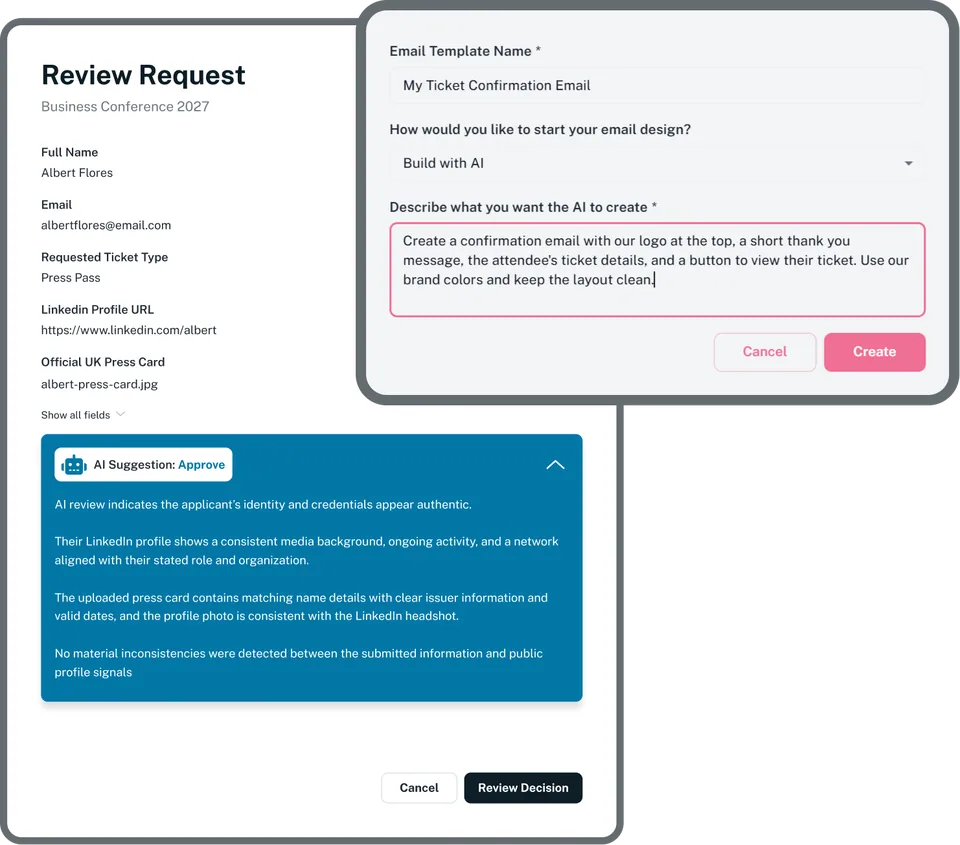
Build website and Event App pages, draft emails and screen free-ticket applications, all inside Eventpack. AI is switched on per organization, and nothing goes live, gets sent or gets approved until a person says so.
Trusted by event teams at
Hours back, with a person in charge
Building pages, drafting emails and sorting applications eat organizer hours. AI in Eventpack takes the first pass inside the tools your team already uses, and your team accepts, edits or decides.
A first draft for every event email
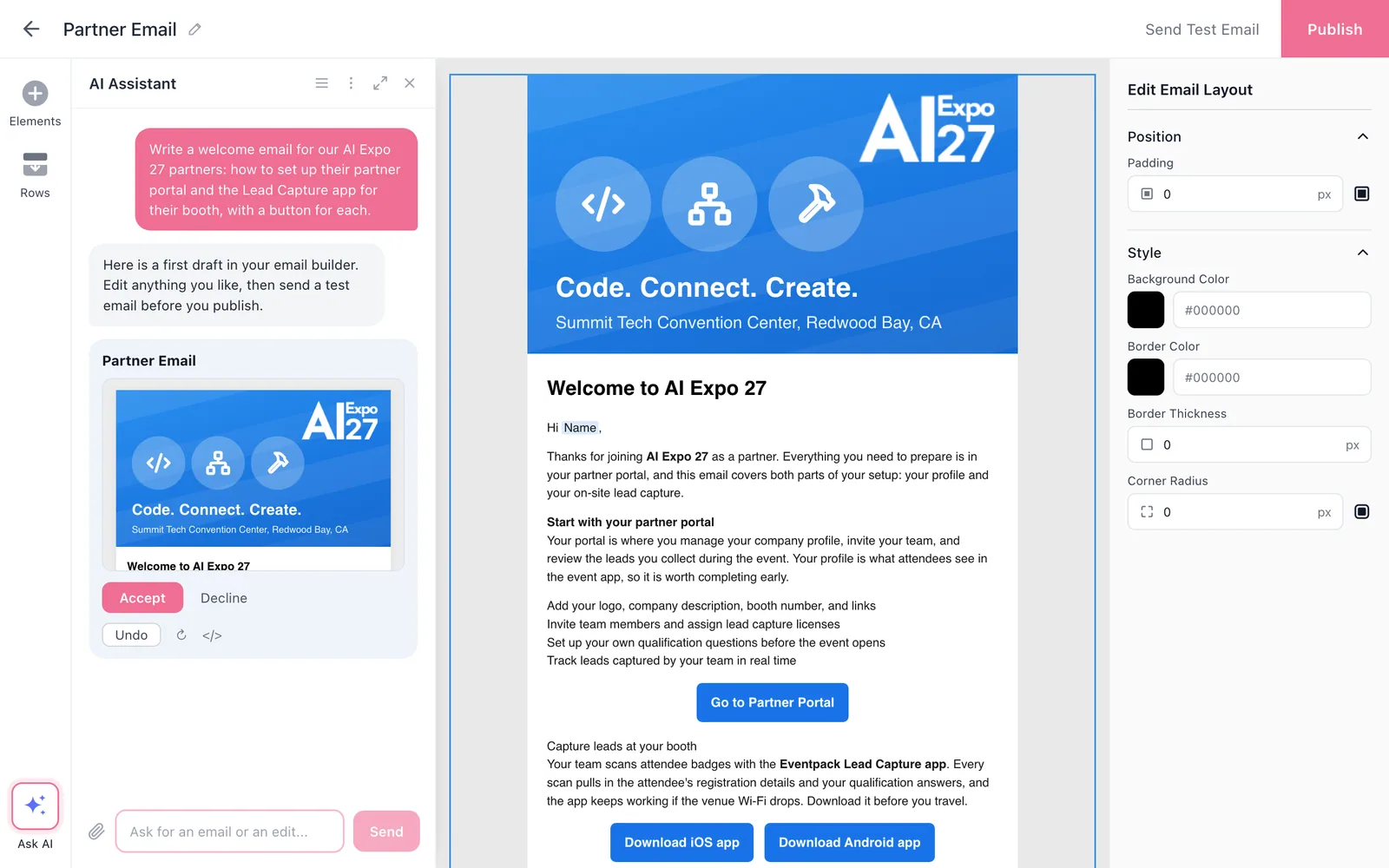
Describe the email you need and Build with AI drafts a design in the email builder, so your team starts from a draft instead of a blank template.
- Start from a short prompt for the confirmation, the reminder or the final details before the doors open
- Edit the draft like any other design, with your branding and merge fields
- Test-send it, then send it yourself when it is right
Exhibitors follow up with the full picture
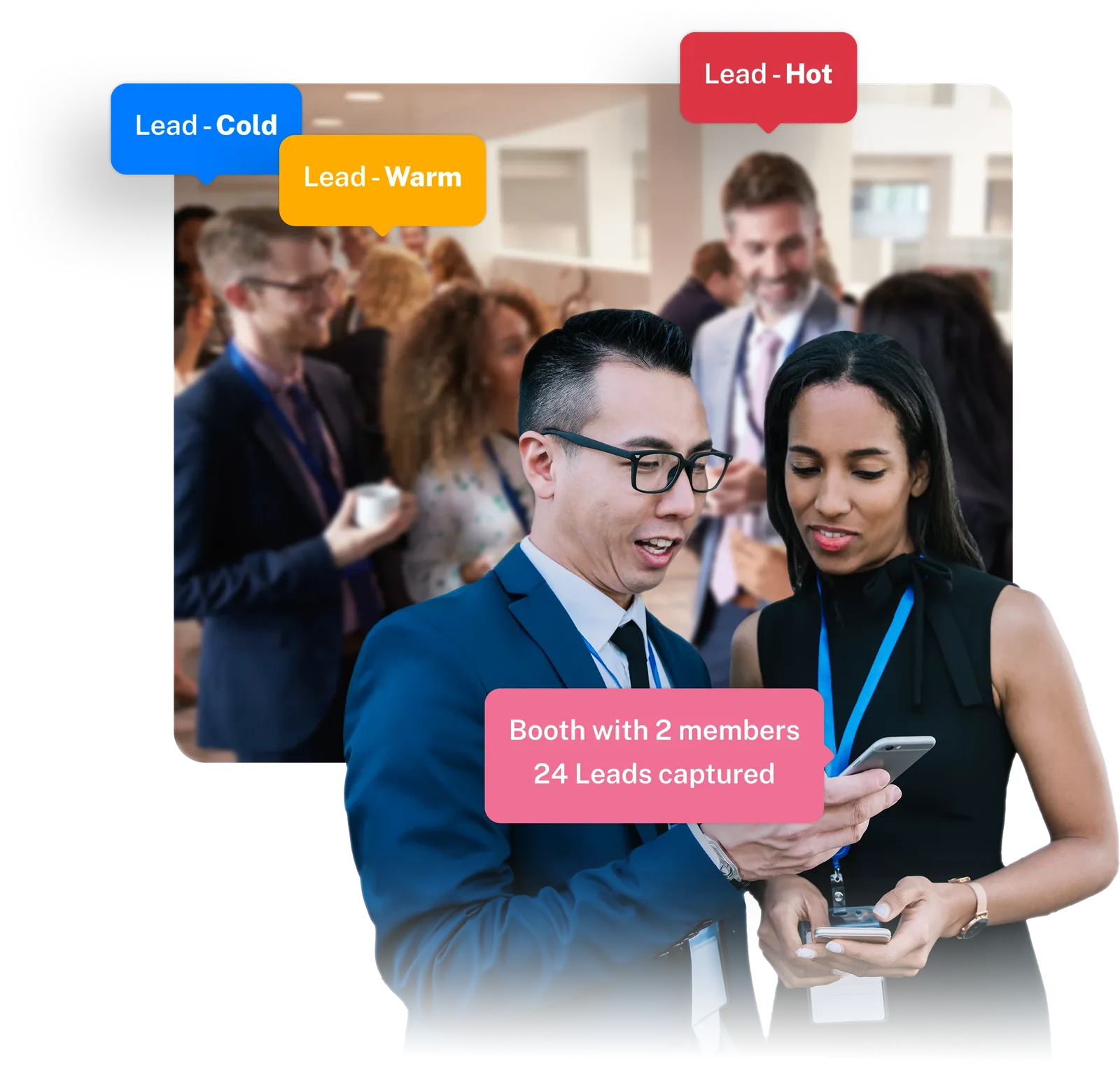
Exhibitors get AI relationship summaries on the leads their booth team captures, so every follow-up starts with context.
- Relationship summaries on the leads a booth team captures
- Drafts the exhibitor's team can confirm before following up
- Switched on per partner, with the AI add-on
Pages built with AI, decisions made by people
Website pages
Describe the page you need and AI builds it in the Website Builder, next to your session, speaker, sponsor and registration blocks. Your team edits it like any other page.
See the Website BuilderEvent App builder chat
Describe the page or theme change you want and AI proposes it in the Event App builder. Nothing changes until you accept it, and you decide when to publish.
See the Event AppFree-ticket screening
Write your criteria and AI sorts each free-ticket application into approve, reject or review needed, with its reason. A person makes every decision in the approval queue.
See ticket approvalEvery AI feature, explained
See what each AI tool needs, what it drafts and where a person signs it off, on the AI features page.
Explore AI featuresConnected to the rest of your event
Questions about AI in Eventpack
Your team. Screening suggests approve, reject or review needed with a reason, and a person decides in the approval queue. App changes apply only when you accept them, and email drafts stay drafts until you send them.
Pages. Describe the page you need and AI builds it in the Website Builder, where your team edits it like any other page next to your session, speaker, sponsor and registration blocks.
Free-ticket applications, because approval works on free tickets. You write the criteria, and the screening sorts each application into approve, reject or review needed for your team to decide.
Relationship summaries on the leads their booth team captures, as drafts the exhibitor can confirm before following up.
AI is an add-on, switched on per organization. Each AI tool also needs its base, such as the Website Builder, the Event App, email, free-ticket approval or Meeting Hub, and we confirm the combination for your account.
It waits for your team. App changes apply when you accept them, email drafts stay in the builder until you send them, and screening suggestions sit in the approval queue until a person decides.
See AI on your own event
Bring an email you send every year, a page you need or a pile of applications, and we will show you what AI drafts and how your team signs it off.