
Exhibitors on schedule. Leads they can work.
Spreadsheets, email threads and a separate scanner supplier make exhibitor operations hard to run and prove. Eventpack keeps onboarding, tasks, badges and booth lead capture on one event, so your team chases less and exhibitors leave with graded leads.

Trusted by event teams at
“Eventpack understands how the sector works, where people's values are, and what their needs and objectives are. But they're also coming at it with fresh technology, fresh coding, fresh software, fresh interfaces.”

From exhibitor onboarding to lead handoff
Exhibitors finish their deliverables before doors open, capture graded leads on the floor and leave with their leads in an export. Your team can see where each one stands.
Before: onboard partners with tasks
Set up each exhibitor and sponsor with their booth, package limits and pre-show tasks. They complete their profile and deliverables in the Partner Portal instead of your inbox.
During: check in, print, scan
Attendees check in at the kiosk or with staff and get a printed badge; walk-ups register on the spot. Booth teams scan badges, grade each lead and, with the Meeting Hub add-on, run booked meetings.
After: export leads and report
Exhibitors export graded leads with notes and qualifier answers, or push them to a supported CRM once connected. You run check-in and attendance reports, including ones scoped to a single sponsor.
Exhibitor deliverables tracked, not chased
Assign each exhibitor and sponsor the work they owe you, from logos and booth graphics to certificates, answers and dates. Partners see what is overdue, and you approve their work or send it back for changes.
- Collect logos, files, answers and dates in one place, with weekly reminder emails to partners.
- Caps on team size, partner registrations and lead-capture licenses, so each exhibitor gets what their package includes.
- Exhibitors keep their own company details, logo, documents, products and team up to date in the Partner Portal.
- Using a supported floor-plan tool? Exhibitor records and booth locations sync in on a regular schedule, and the floor plan stays where it is.

Badges on arrival, walk-ups at the kiosk
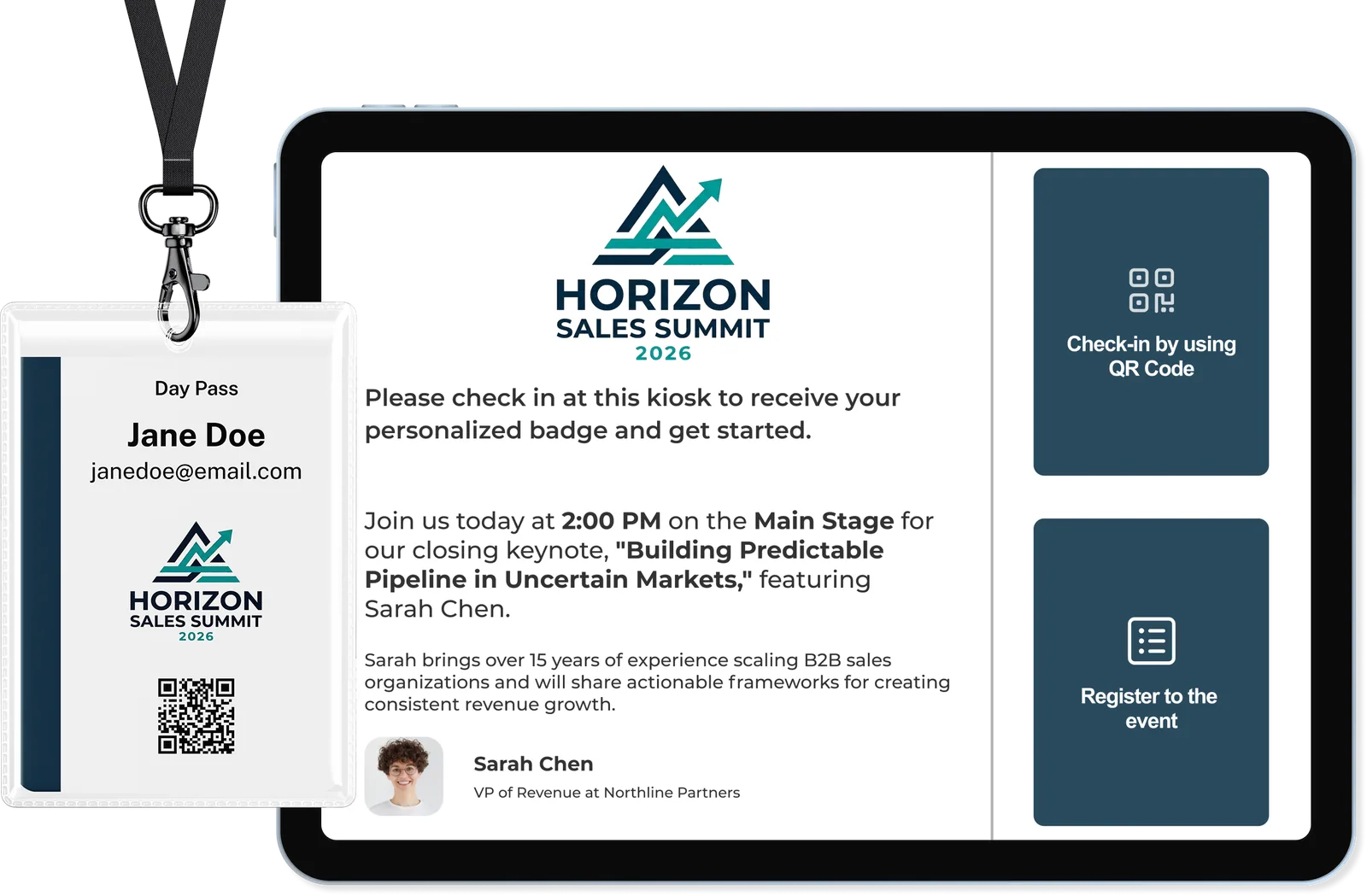
Pre-registered attendees scan their code or search by name and get a badge printed on the spot. Walk-ups register at the same kiosk, on the tickets you allow, and leave with a badge your exhibitors can scan.
- Self-service or staff-run kiosks in your event's look: attendees scan their code or look themselves up by name or email.
- Staff can correct a person's details at the kiosk, and you decide which kiosk steps are staff-only.
- Design badges once in the drag-and-drop designer, print on Zebra, Brother or Epson, and see whose badge is already printed.
- Session check-in that enforces room capacity and lets you turn away, add or auto-register people who did not sign up (ask us which plan includes it).
Graded at the booth, ready for follow-up
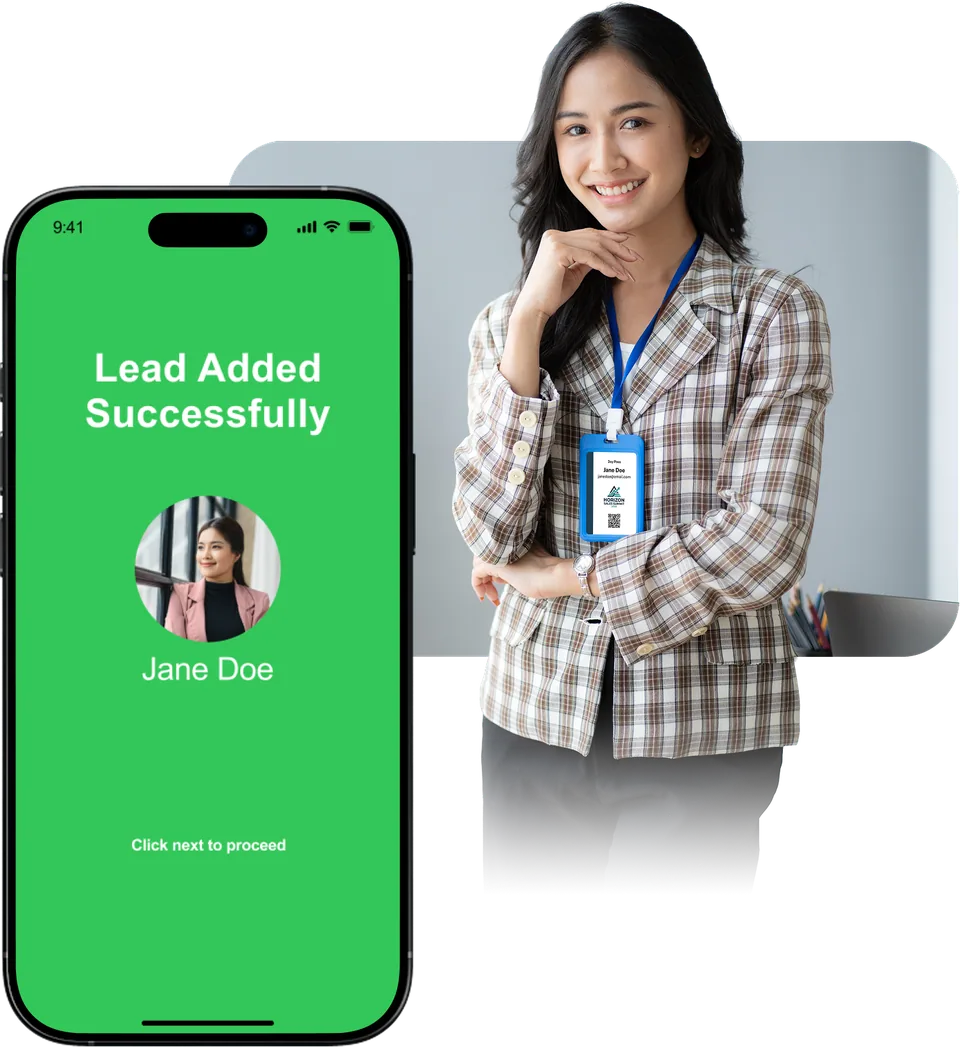
Booth teams turn every badge scan into a graded lead with the exhibitor's own questions and notes attached. With the Meeting Hub add-on, attendees can also book exhibitor meetings in advance under rules you set.
- Each exhibitor gets the scanner licenses their package includes; you can lock a license to one device and decide whether repeat scans are allowed.
- Exhibitors see every lead with notes and a relationship timeline in the Partner Portal, and can export them at any time.
- Set meeting length and booking windows, and choose whether a request is confirmed at once or waits for the exhibitor to accept.
- Exhibitors see booked meetings, their calendar and attendee messages in the Partner Portal (Meeting Hub add-on).
Visitors, sponsors and reporting covered too
Register visitors, showcase sponsors to attendees, email exhibitors and run a separate report for each sponsor, without exporting lists between tools.
Registration pages and invitations
Register visitors on branded pages with your own ticket types and questions, and invite hosted buyers or VIPs with personal codes and RSVP. Ask us which plan includes public registration pages.
RegistrationSponsor visibility in the Event App
Give sponsors and exhibitors their own pages in the Event App, with their logo and products, and push sponsor announcements to chosen ticket types. Needs the Event App add-on.
Event AppLead handoff to your CRM
Registrations go to a supported CRM with your field mapping, and exhibitors can push their leads there once their connection is set up. Enterprise plan or an add-on, depending on the CRM.
CRM connectionsReports for each sponsor
Build check-in, session attendance and registration reports with the columns you choose, schedule them during or after the show, and tie a report to a partner so it only shows their data.
ReportingExhibitor invites and task reminders
Invite exhibitors and their teams, and remind them about their tasks, with emails designed in a drag-and-drop editor. You see what was sent, failed or bounced (email add-on).
EmailKeep your registration platform
Keep registration where it runs today, import its attendees and sessions through a supported import, and run check-in, badges and lead capture on Eventpack. Enterprise plan or an add-on, depending on the platform.
See supported importsQuestions from show teams
If it is a supported floor-plan tool, exhibitor records sync into Eventpack by exhibitor id, about every ten minutes and faster near the show, and you can force a sync. Booth locations come across too, and each exhibitor keeps its own record. The floor plan itself stays in that tool.
Yes. You set how many staff registrations, lead-capture licenses and, with Meeting Hub, meeting users each exhibitor gets, and which ticket their staff receive. Exhibitors invite their team in the Partner Portal and give each person an admin or member role, with access split across profile, lead capture, meetings and tasks.
Booth staff scan an attendee's badge in the Lead Capture App, answer the qualifier questions the exhibitor wrote, set a grade of hot, warm, neutral or cold and add notes. You decide whether each license is locked to one device and whether repeat scans are allowed. Each booth user takes a lead-capture license from the exhibitor's allowance, and lead capture draws on your organization credits. Each scan becomes a lead the exhibitor's team can follow up.
Exhibitors with lead capture switched on can export their leads, with grades, qualifier answers and notes, from the Partner Portal at any time. When a supported CRM connection is set up for an exhibitor, their captured leads can push there as well. CRM connections come with the Enterprise plan or as an add-on, so we confirm the setup with you when scoping.
They register at the kiosk on the tickets you open to walk-ups, answer the questions you choose to show there, and leave with a printed badge. Staff can also edit a person's details at the kiosk, and you decide whether picking sessions or printing a badge after check-in is open, hidden or needs a staff password.
Yes, with the Meeting Hub add-on. You set meeting length, buffer, booking windows and eligible ticket types, and your booking rules decide whether a meeting is confirmed at once or the exhibitor must accept. Exhibitors manage a calendar, meeting list and messages in the Partner Portal. Availability is managed inside Eventpack rather than in an external calendar.
Exhibitor tools, kiosks, badge printing and bulk export come with every plan, plus the switches on each event; ask us which plan includes public registration pages and session management. Meeting Hub, the Event App and AI are add-ons, promo codes and card payments are on Enterprise, and CRM connections are on Enterprise or added separately, depending on the CRM. Check-in allowance and email volume also scale by plan, and partner emails use the email add-on. Your contract can differ, so we scope it with you.
Yes. From a supported registration platform, Eventpack imports registrations, sessions and answers, then runs check-in, badge printing and lead capture on those records, plus meetings with the Meeting Hub add-on. Your registration platform stays as it is, and platform imports come with the Enterprise plan or as an add-on. From any other system, bring registrations and sessions in by file import.
Test your exhibitor plan before the show
Bring your exhibitor list and badge spec, and tell us which CRM your exhibitors use. We will map onboarding, onsite and lead handoff to the way you run exhibitors today.