
A clear registration path for every campus cohort
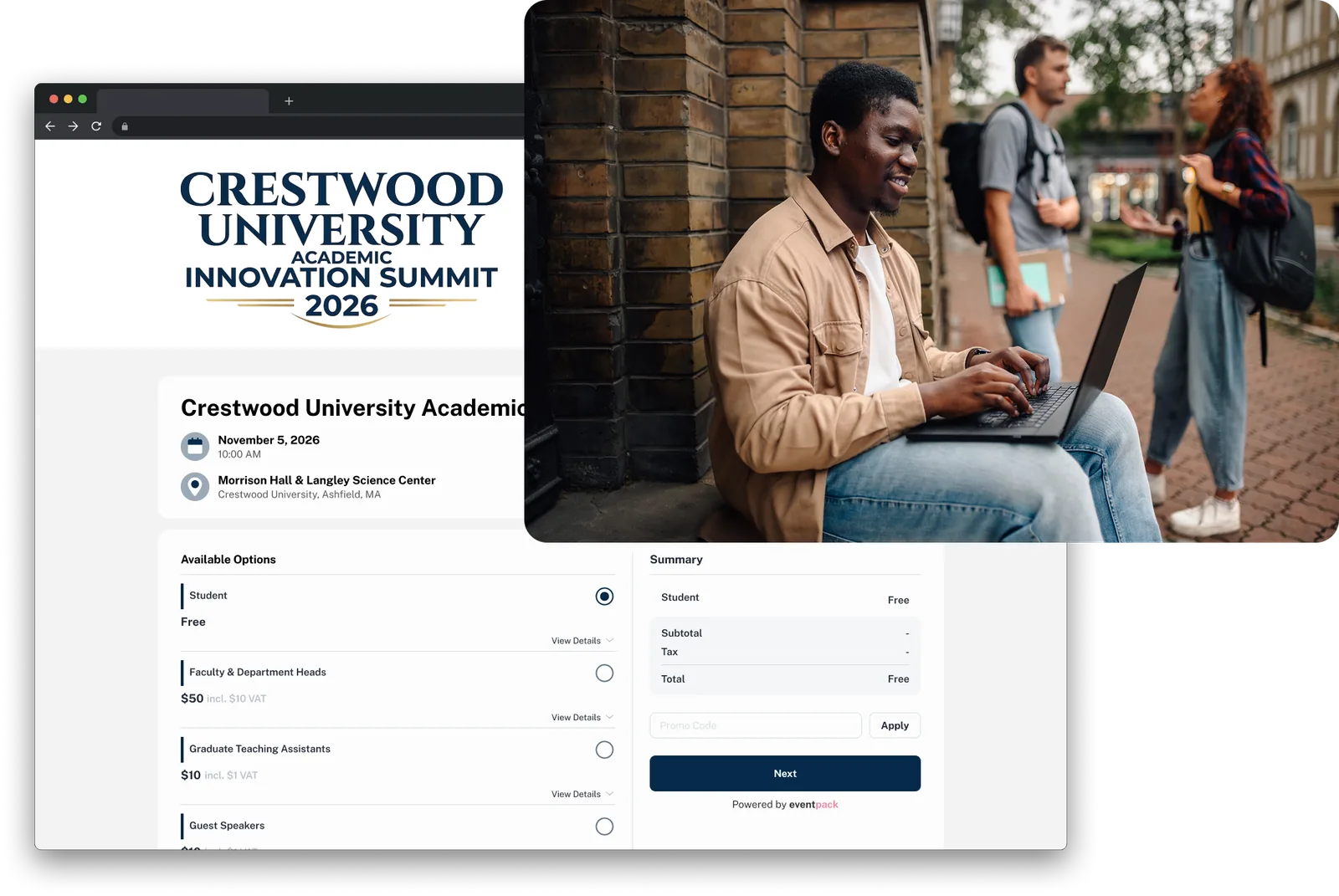
Students, faculty, staff and visitors register on the same page, each with their own ticket, rules and price. Then check them in at a kiosk, print a badge and keep an attendance record for every session.

Trusted by event teams at
“It sped up our registration process. Attendees were at the check-in iPad for just 30 seconds to a minute.”

Know who registered, who arrived and who attended
The same attendee record carries from signup to the door to the report, so nobody rebuilds a list in a spreadsheet.
Before: control who registers
Set up a ticket for each group, limit student tickets to your university email domain, approve applicants on free tickets and, with the payment add-on, let departments pay by invoice.
During: check in and print
Attendees scan a ticket code or search by name at a kiosk, walk-ups register on the spot, and the right badge prints for their ticket type.
After: show who attended
Export event and session check-ins, schedule a report to the conference office after the event, and open a feedback survey to everyone who checked in.
Students, staff and guests on one page
Give each group its own ticket, price, capacity and sales dates, then publish on a branded page or embed the form on your department site.
- Allow only your university email domain on student and staff tickets, and block free email providers where you need to.
- Confirm each address with a one-time passcode before the form opens.
- Let a faculty lead register a whole group of students in one order.
- Ask for department, program or year with follow-up questions that appear only when relevant, and choose whether each answer shows on the guest list, at the kiosk or in the networking directory.
Check in at the door and every session
Put a kiosk at the entrance and run session check-in at each room. Attendees check themselves in, badges print on demand, and capacity is enforced at the door.
- Self-service or staff kiosks find people by ticket code, name or email, and register walk-ups on the spot.
- Badges print on Zebra, Brother or Epson printers, and staff can see at a glance who already has a badge and who has had a reprint.
- Decide what happens when someone arrives at a session they did not book: turn them away, register them on the spot or let staff add them.
- Add a consent or waiver signature step to the kiosk; the attendee gets a copy by email and the signed document stays on their registration.

Your program and updates on every phone
With the Event App add-on, publish a branded event app that attendees open in the Eventpack app on iOS or Android. Sessions, speakers and partner pages for sponsors or campus services sit in one place.
- Attendees sign in with a code sent to their email, see the sessions their ticket allows and follow their personal agenda.
- Send a push notification to all attendees or to one ticket type, now or at a scheduled time.
- Session surveys can open when a session ends and go only to the people who checked in to it.
- Turn on an opt-in networking directory and 1:1 chat for the ticket types you choose.

The controls a conference office needs
Approve applicants, let departments pay by invoice, invite guests by name and show who attended, all from the same event.
Free-ticket approval
Applicants on a free ticket wait in a queue where you approve, reject, message them or move them to another ticket type. With the AI add-on, screening suggests a decision; a person always makes it.
Ticket approvalPay by invoice
With the payment add-on, a department or visiting institution can choose pay later and follow your payment instructions. You approve or decline each request from one queue, with a note.
Pay by invoiceInvitations and RSVP
Invite faculty, donors or VIP guests by name with a unique code, tie the invitation to a specific ticket, send reminders and record who declined and why.
Invitations and RSVPSession capacity and access
Give each session a capacity and a room, decide which tickets may register, and let attendees pick sessions on the registration page or at the kiosk.
Sessions and agendaAttendance records
Build reports of event check-ins, session check-ins and session attendance with the columns you choose, then run them now or schedule them for after the event.
Report BuilderConfirmations and reminders
Attendees get a registration email by default. With the email add-on, session, check-in, invitation and RSVP emails and reminders go out automatically, with the ticket PDF attached where you choose.
EmailQuestions from campus event teams
Yes. Create a ticket for each group and offer them all on one registration page, with a different price or capacity where you need one. Each ticket can carry its own color on the badge and at check-in, so your team can tell students, staff and guests apart at the door.
Add your university domain to the student ticket's allowed email list, block free email providers, and ask for a one-time passcode so each person proves they own that address. To tell students from staff, turn on approval for a free student ticket and check each applicant before they are registered. Approval works on free tickets only.
Yes, with the payment add-on, which is included with Enterprise by default. Turn on invoicing with invoices attached to emails, then mark which tickets and sessions allow pay later and write the instructions the buyer sees. Each request waits in a queue where you approve or decline it with a note, and the offline payments report lists every request in one export.
Attendees sign in with a one-time code sent to their email, so there is no campus account to connect. Bring your list in with an import, which can send each person a welcome email and QR ticket. Take data out with scheduled reports, through no-code automations (ask us which plan includes them), or with the Eventpack API, which is a separate add-on.
Yes. Session check-in records who came into each room, with check-out if you use it, and the session attendance report lists who was there. Run it as a CSV whenever you need it, or schedule it to be emailed to your team after the event.
Registration and the attendee portal work in any browser. For the Event App, attendees download the Eventpack app on iOS or Android and sign in with their registration email and a one-time code to see the sessions, speakers, agenda and partner pages you publish; the Event App is added to your account separately from your plan. If you want your own app in the App Store and Play Store, that is a separate white-label app setup, so ask us about it.
By default, kiosks, badge printing, custom registration questions and reports come with every plan; ask us which plan includes public registration pages, session management and custom email sending. Check-in allowances rise by plan. The Event App and AI are added separately, and pay by invoice comes with the payment add-on, which Enterprise includes by default. Tell us the size of your largest event and we will scope the plan with you.
See where Eventpack fits on campus
Bring one upcoming event: an orientation, a research conference or an open day. We will walk through the ticket paths, the door and the attendance report with you.