
Booked meetings on your terms, plus opt-in networking
Stop arranging meetings by email: attendees book 1:1s with each other and with exhibitors inside the times, lengths and tickets you choose, and both sides see the booking. Opt-in networking and 1:1 chat cover the rest.

Trusted by event teams at
Know who can meet whom, and when
Meetings fall apart when nobody knows who can book whom, how long a slot is, or whether the other side agreed. You settle all three up front, and casual networking stays in an opt-in directory and chat.
Booked 1:1s under your rules
With the Meeting Hub add-on, set meeting length, a buffer so people can move between meetings, eligible tickets and booking windows. Attendees book in the attendee portal or Event App; exhibitors see bookings in their Partner Portal calendar.
- Run attendee-to-attendee and attendee-to-exhibitor meetings from one booking setup
- Limit meetings to the date and time windows you choose, and to eligible ticket types
- Decide which meetings book instantly and which wait for the other side to accept
- See each meeting's status, such as booked, happened or canceled, and import or export the list

Networking attendees choose to join
Some attendees would rather just say hello. Those who opt in appear in the directory with only the profile fields you allow, and chat 1:1 in the attendee portal or, with the Event App add-on, in the Event App.
- Opt-in listing and direct 1:1 chat in the attendee portal and the Event App
- Profile fields and registration answers are shown and searchable only where you allow it
- Open networking to every ticket type or only to the ones you choose

Give booth teams their own meeting calendar
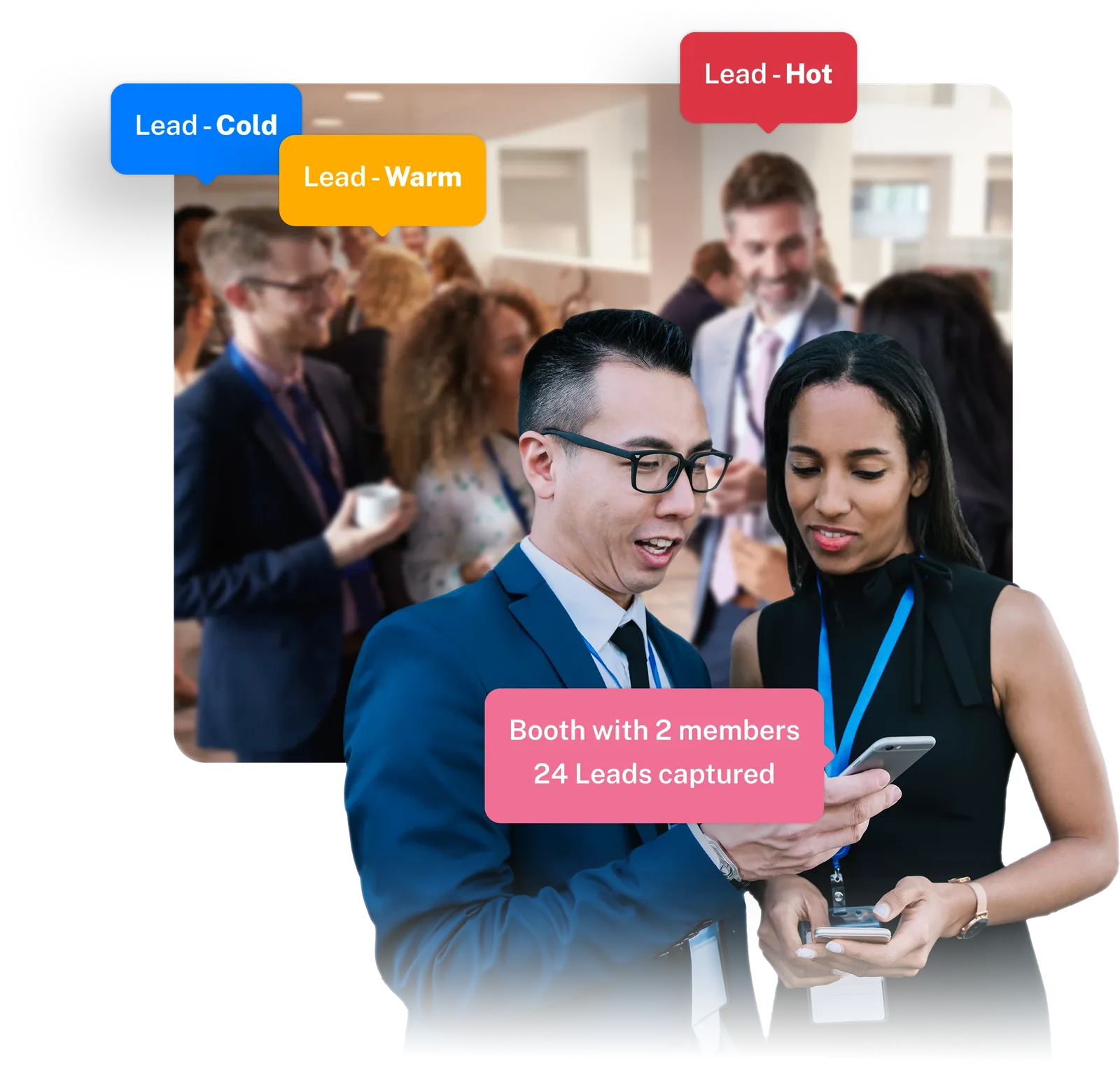
Exhibitors see every meeting booked with their booth in the Partner Portal calendar and can message those attendees beforehand.
- Attendees book exhibitor meetings from the attendee portal or Event App; the booth team sees them in the Partner Portal calendar
- Chat between attendees and exhibitors comes with Meeting Hub, so booth staff can message before and after a meeting
- Booth teams decide which members handle meetings, leads, tasks and the booth profile
The pieces behind every booked meeting
Four parts of Eventpack, from booking rules to the exhibitor calendar.
Meeting Hub
Let attendees book 1:1s with each other and with exhibitors inside your times, lengths and accept rules, while you track every meeting's status. Needs the Meeting Hub add-on.
Explore Meeting HubNetworking & 1:1 Chat
An opt-in attendee directory that follows your profile-field visibility, plus direct 1:1 chat, in the attendee portal and the Event App. Limit it to selected ticket types if you need to.
See networkingPartner Portal
Give exhibitor and sponsor teams one workspace for their meetings, leads, tasks and booth details, with roles deciding who on the team handles meetings.
See the Partner PortalEvent App
Attendees see their booked meetings, the networking directory and 1:1 chat in the Event App, next to the agenda and exhibitor list. Needs the Event App add-on.
See the Event AppMeetings fit into the rest of the event
Eligibility comes from your ticket types and directory visibility from your registration questions. Meetings are also available to your own software through the Eventpack API, which is granted separately.
Meetings and networking, answered plainly
In the opt-in directory and the exhibitor list: attendees book or message directly, within the rules you set. If your event needs algorithmic matching, we will tell you that up front.
You decide. Meetings can be attendee-to-attendee or attendee-to-exhibitor, and only the ticket types you mark as eligible can book. Ordered rules say, for each pairing and audience, whether a meeting is booked instantly or the receiver has to accept it first.
Meeting length is set per event from 15 to 60 minutes in 5-minute steps, with 15 as the default. A buffer of 0 to 120 minutes keeps meetings apart so people can get from one booth to the next. Booking is only possible inside the date and time windows you open.
Cancel it and book a new slot; canceled meetings show as canceled in your meeting list, so everyone sees the current plan. Set booking windows and buffers to give people room, and we will show you how changes are handled in a live account.
Inside Eventpack: availability and bookings live there, attendees see their meetings in the attendee portal and the Event App, and exhibitors see theirs in the Partner Portal calendar.
Each exhibitor team gets a meeting calendar in the Partner Portal, and team roles decide who on the booth sees it. Meeting Hub also switches on attendee-exhibitor chat, so both sides can message before or after a meeting.
As an add-on: booked meetings come with Meeting Hub, which is added to your account independent of your plan, and you turn it on per event. Networking (directory and 1:1 chat) lives in the attendee portal, the Event App is its own add-on, and meetings with exhibitors also need exhibitor tools (every plan, switched on per event). Tell us how your event runs and we will confirm what your package needs.
Yes. Each meeting carries a status, such as booked, happened or canceled, that you can review in your meeting list. You can also create meetings yourself, import a list and export the full set for your post-event review.
Set up your meeting rules with us
Bring your event format, ticket types and exhibitor list. We will walk through your booking windows, meeting lengths and accept rules in a live Eventpack account and show you where the limits are.