
Member rates, sessions and attendance on one record
Members, non-members, students and speakers each get their own ticket, price and questions. Then the same record carries them through session sign-up, the door and the attendance report your board asks for.

Trusted by event teams at
“It’s hands down one of the best decisions we’ve made.”

From first invitation to attendance report
Before, during and after the conference, every step works from the same attendee record.
Before: tickets, invitations and the program
Set member, non-member and student tickets with their own prices and sales windows. Invite the people who should attend, review applications for free tickets, and publish sessions with capacity and eligibility rules.
During: the door and the rooms
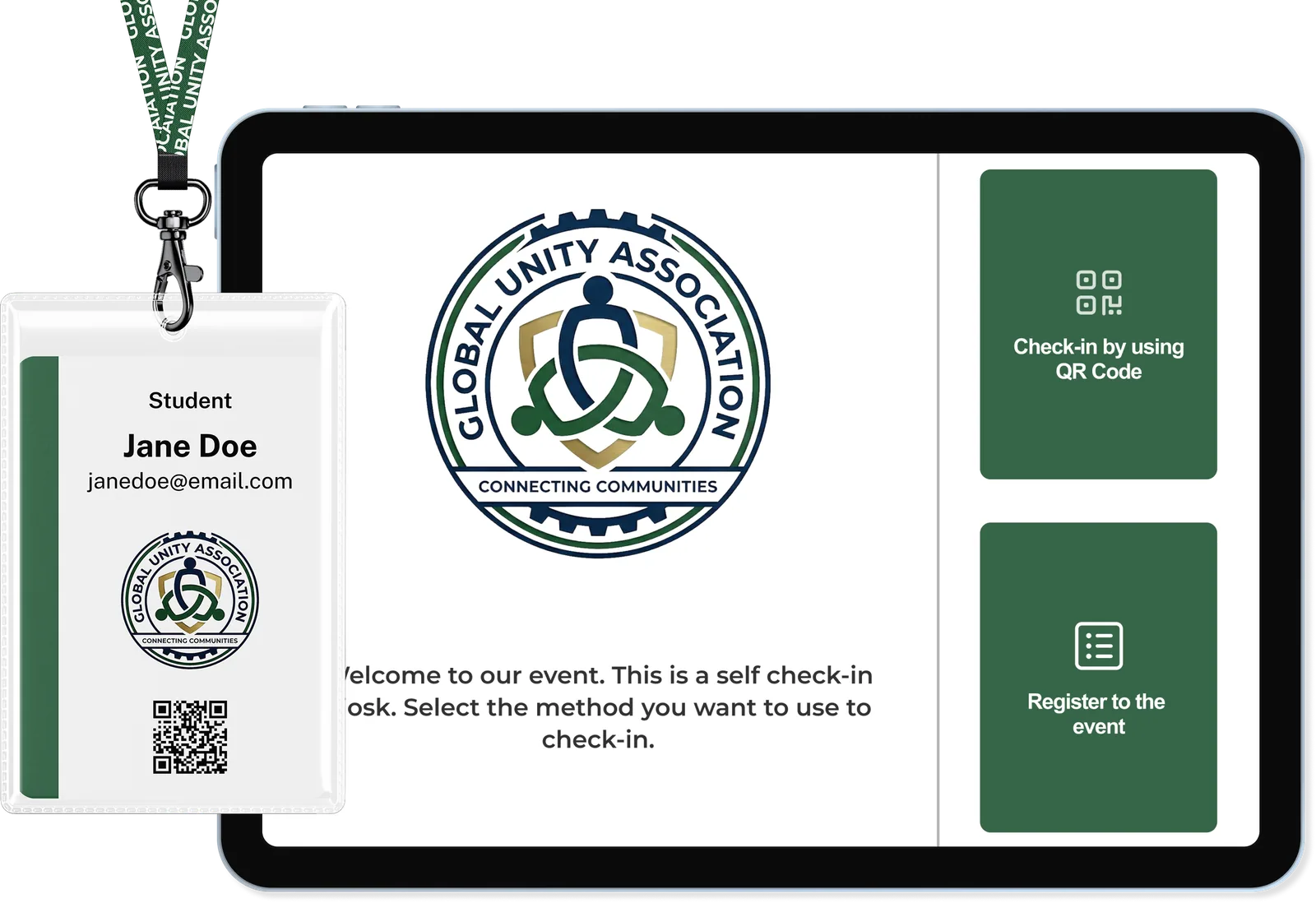
Check people in at a kiosk or staff device, print their badge, and scan session doors to hold capacity and record attendance. Attendees follow the program in the portal or the Event App add-on.
After: the attendance record and the report
Schedule a session-attendance report for after the event, with the columns you need, and survey the people who checked in. Registrations can flow on to a supported CRM, with the matching plan or add-on.
The right ticket and rate for each audience
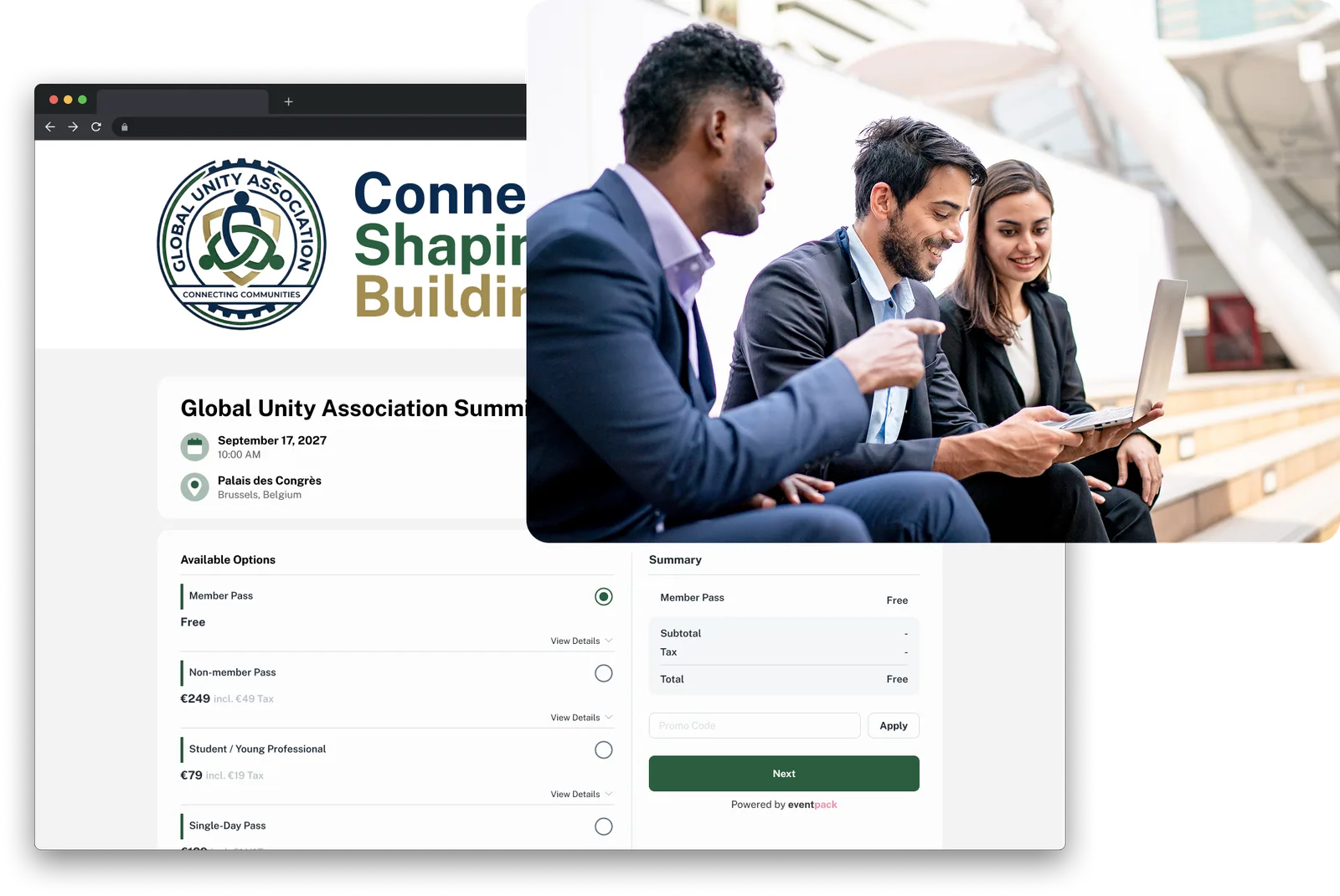
Set up a separate ticket for each audience, then decide who can take it: limit member tickets to approved email domains, invite named guests, or put free places behind approval.
- Email-domain rules on a ticket: accept only the domains you approve and turn away free email addresses, where your members register with a work email.
- Free-ticket approval: applicants wait in a queue; approve, reject, message them or move them to another ticket type.
- Invitations and RSVP for board members, speakers and VIPs, tied to a registration page and, if you like, to specific tickets.
- Group registration and per-ticket questions: a member company signs up several people in one order, and chapter, designation or dietary questions appear only on the tickets that need them.
Sessions that respect capacity and ticket eligibility
Build the program with tracks, rooms and speakers. Set who may register for each session by ticket type or registration answer, cap the room, and let attendees pick sessions during registration or later on an optional schedule page.
- Capacity and price per session, a limit on how many sessions each ticket can book, and a block on choosing two sessions that clash.
- Speakers linked to their sessions: they upload files, see their speaking sessions in the portal, and read a speaker FAQ you write.
- Session sign-up during registration, so attendees choose their sessions before they arrive and find them in the portal or in a personal agenda in the Event App add-on.
- Session surveys that open at the start or end of a session and can be limited to the people who were checked in.

Attendance records your program team can rely on
Know who attended each session, not just who registered. Door scans record check-in and check-out against each person's registration, ready for the session-attendance report.
- Session check-in and check-out at the door, with a per-session rule for people who did not sign up: turn them away, register them or let staff add them.
- Badges color-coded by ticket type, printed on arrival on Zebra, Brother or Epson printers; staff see who already has one and can reprint a lost badge.
- Walk-up registration at the kiosk for members who decide on the day, limited to the tickets you choose.
- Check-in alerts to your team when a board member or a watched ticket type arrives, with the email add-on.
The features behind each registration path
Open any card for the full feature page, including availability by plan and add-on.
Ticket types
Run each audience's rate, capacity and sales window from its own ticket, and limit member tickets by email domain. Ticket color carries onto badges, so door staff see the type at a glance.
Ticket typesTicket approval and screening
Put free tickets behind a review: you approve, reject or move each applicant to another ticket. With the AI add-on, screening suggests a decision against your criteria; a person always makes the call.
Ticket approvalInvitations and RSVP
Invite board members, past speakers or chapter leads by name with a unique code, tie the invitation to specific tickets, send reminders, and record a decline reason when they cannot make it.
Invitations and RSVPSurveys
Ask the people who were there: send session and event surveys to checked-in attendees, speakers or chosen ticket types, named or anonymous. Session surveys need session management (ask us which plan includes it).
SurveysReport Builder
Build the registration, check-in and session-attendance exports your team needs, then run them on demand or schedule them daily, weekly or after the event. Each arrives as a CSV with the columns you pick.
Report BuilderCRM and integrations
Pass registrations to a supported CRM with field mapping (Enterprise plan or an add-on, depending on the CRM). No-code automations (ask us which plan includes them) and the Eventpack API (Customer API add-on) reach your other systems.
IntegrationsWhat association teams ask before choosing Eventpack
Yes. Give members and non-members separate tickets, each with its own price, and choose which tickets appear on the page. Limit the member ticket to approved email domains, or put a free member ticket behind approval. Ask us which plan includes public registration pages; card payment through Stripe or Authorize.Net is on the Enterprise plan by default (payment add-on).
With ticket rules: email-domain allow-lists, invitation codes and approval on free tickets. To pass registrations on, send them to a supported CRM with field mapping (Enterprise plan or an add-on), or use a no-code automation (ask us which plan includes it) or the Eventpack API (Customer API add-on).
Yes. Each session has a capacity, a price if you need one, and a rule for who may register: all tickets, a list of tickets, or people who gave a particular registration answer. At the door, the policy you set decides whether an unregistered attendee is denied, auto-registered or added manually, and capacity is enforced. Ask us which plan includes session management.
Yes, as an exported record. Eventpack records session check-in and check-out per person when attendees are scanned at the door, and the Report Builder exports a session-attendance report you can run on demand or schedule after the event. Your team or accrediting body then turns that record into certificates and credits. Surveys can be limited to people who were checked in, if your accrediting body requires feedback.
Add each speaker as a registration, mark them as a speaker and link their sessions. They sign in to the attendee portal to see their speaking sessions, upload slides to each one and read the speaker FAQ you write. With the Event App add-on, speakers and their sessions also appear in the app.
Attendees browse the session list with the filters you set and follow their personal agenda across tracks. They also get speaker and sponsor pages, an opt-in attendee directory with 1:1 chat, and push notifications, in the Eventpack app, designed in your branding. A white-label store app is a separate setup, and the Event App is an add-on that must be turned on for the event.
Bring your ticket rules and your program
Show us your member and non-member tickets, session rules and the attendance report you need, and we will show how each one runs in Eventpack.