
Report what happened. Move data where it belongs.
Build the registration, order, check-in and attendance reports each team asks for, run them on a schedule, and send registrations on to HubSpot, Salesforce or Zapier.

Trusted by event teams at
One event record. Every team's report.
After the event, finance wants orders, sponsors want attendance, the CRM team wants contacts and marketing wants page analytics. Eventpack holds all of it, ready to export or send on.
Build the report once. Run it on schedule.
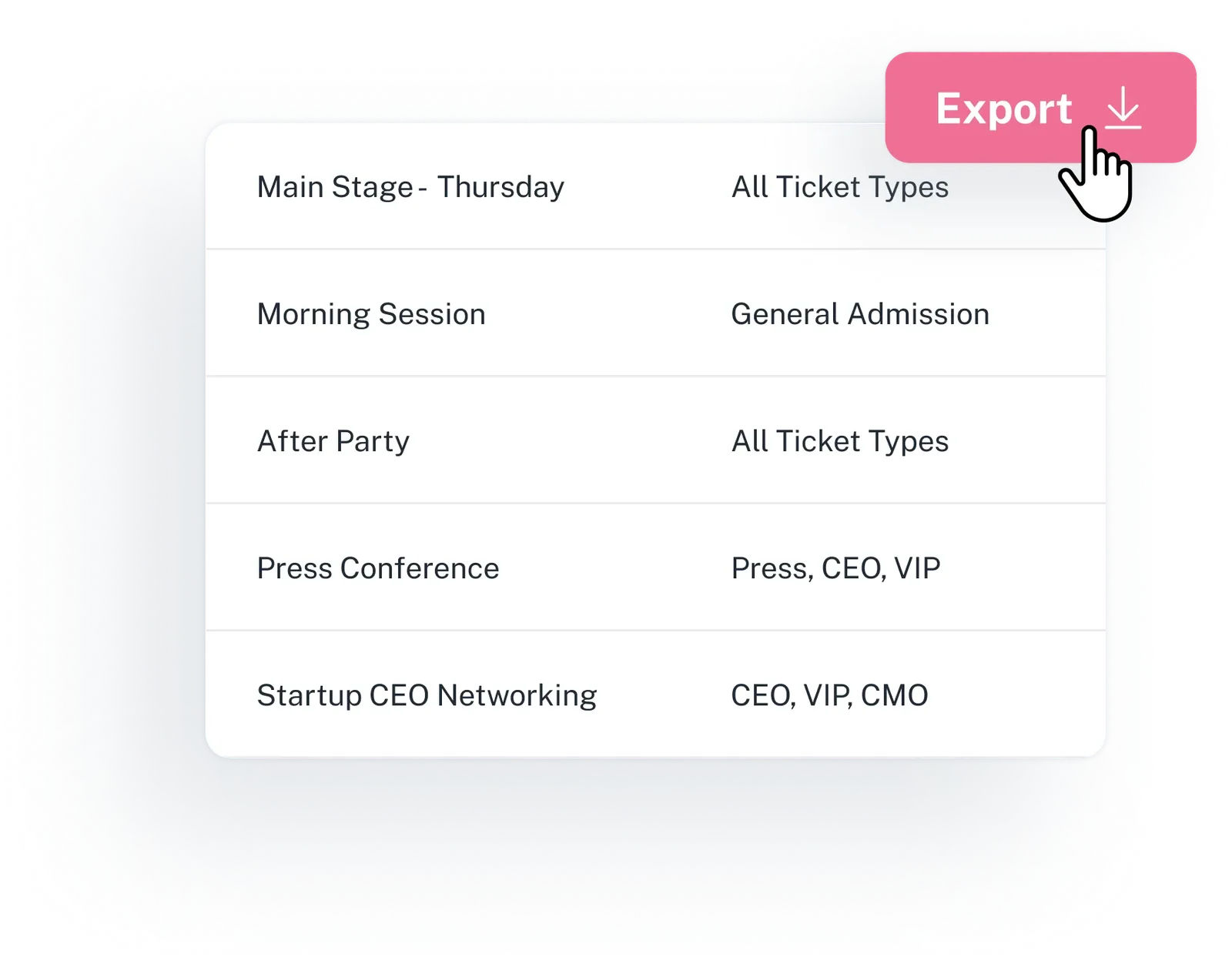
Give each team the export it needs, with its own columns, filters and sort. Run it now and it is emailed to your teammates, or schedule it daily, weekly, monthly, during or after the event.
- Orders for finance, check-ins and session attendance for sponsors, registration-page analytics for marketing, plus registrations and pay-later payments
- Registration reports can include session columns, and custom question columns with the form-field add-on
- Clone a report you already rely on instead of rebuilding its columns, and get the output as CSV or zip
- Tie a report to one exhibitor or sponsor and it holds only that partner's records, ready for you to share with them
Keep what works. Connect the rest.
Some systems are staying: HubSpot or Salesforce, Cvent or Swoogo, Stripe or Authorize.Net. Eventpack connects to each one, so your team knows which system owns each record.
- Eventpack runs the event itself: who is coming, who got in, what they attend, who they meet and what exhibitors captured.
- Replace: run registration, check-in, badges and exhibitors in Eventpack instead of separate tools, plus meetings with the Meeting Hub add-on
- Coexist: keep registration in Cvent or Swoogo, bring its registrations and sessions into Eventpack, and run check-in, badges and lead capture here
- Extend: send registrations to HubSpot or Salesforce, trigger Zapier on registrations, orders and check-ins, and take card payments through Stripe or Authorize.Net
- Availability depends on your plan and add-ons, and we will confirm what your package includes

Sell tickets and sessions on your registration page
Connect Now
Sell tickets and sessions on your registration page.
Connect Now
Import your registrations, sync your data and much more.
Connect Now
Import your registrations, sync your data and much more.
Add Integration
Link Your Swoogo Account to Import Events
Connect Now
Connect your leads, automate your workflows and keep everything in sync.
Connect Now
Import your registrations, sync your data and much more.
Connect Now“Session check-in is essential to our mission and certificate tracking—and Eventpack stood out by truly listening to our challenges and building the integration we needed. That responsiveness is invaluable, especially for a small nonprofit.”

Connect your own software and approved AI tools
To go further than a connector, the Eventpack API gives your developers access to supported event records, and Eventpack MCP lets approved AI clients read event data and prepare changes that a person confirms. Both are granted separately.
- Your developers can reach the records your team works with, from registrations and orders to sessions, partners, leads and meetings, through the Eventpack API
- Let an AI assistant you approve read registrations, orders, sessions, exhibitors, leads and meetings, so your team can ask about the event without pulling an export
- A person on your team confirms every change the assistant prepares, and an access mode limits the personal data it can see
- With the sub-organizations add-on, each client or brand account runs its own API, MCP and Zapier connections
Every connection, and which way the data moves
Each card shows what moves, where it goes and how it fits your stack.
Cvent
Registrations, sessions and fields import from Cvent into Eventpack, so you can run check-in, badges and lead capture here while Cvent stays exactly as your team left it. Granted separately.
Cvent and Swoogo detailsSwoogo
Bring Swoogo registrations, sessions and answers into Eventpack and run a full resync whenever the list changes; each resync also clears rows removed in Swoogo. Enterprise plan by default.
Cvent and Swoogo detailsHubSpot
Registrations move to and from HubSpot contacts with field mapping, checked-in attendees join a HubSpot list, and connected exhibitors' leads can be exported to HubSpot. Works alongside your HubSpot marketing automation; on the Enterprise plan by default.
HubSpot and Salesforce detailsSalesforce
Registrations go to Salesforce as leads with field mapping and create-or-update rules, and leads captured at exhibitor booths can be pushed to Salesforce too. Registrations arrive as leads, ready for your sales process; granted separately.
HubSpot and Salesforce detailsZapier
Reach other apps through Zapier: a new or updated registration, order or event, or an event or session check-in, can start a Zap, and a Zap can create a registration. Ask us which plan includes Zapier.
See Zapier triggersStripe / Authorize.Net
Collect card payments at registration through Stripe or Authorize.Net. Needs the payment add-on, on the Enterprise plan by default.
See online paymentsExpoFP
Exhibitor records and their linked locations sync in from ExpoFP, more often as the event nears, and you can force a sync when you need it. The floor plan itself stays in ExpoFP.
See the ExpoFP integrationPersonaTech
Check-ins go out from Eventpack to PersonaTech, so a system that already knows the attendee learns when they arrived.
The features behind your reports and connections
Reporting and integrations touch six parts of Eventpack. Each has its own page.
Report Builder
Build and schedule the registration, order, check-in and attendance exports your team needs before, during or after the event. Bulk export on every plan.
Explore Report BuilderIntegrations
Payments, HubSpot, Salesforce, Zapier, Swoogo, Cvent, ExpoFP and PersonaTech, each described with its direction. The connections shown on your account depend on the add-ons you hold.
See all integrationsEventpack API & MCP
An Eventpack API key for your own software across events, registrations, orders, partners, leads and more, plus MCP for approved AI clients with prepare-and-confirm changes. Both granted separately.
See the API and MCPUse Eventpack with Cvent or Swoogo
Keep Cvent or Swoogo for registration, bring the registrations into Eventpack, and run check-in, badge printing and exhibitor lead capture onsite.
See how coexistence worksHubSpot & Salesforce
Put registrations in front of sales and marketing in HubSpot or Salesforce, mapped to the fields they already use, and exhibitor leads can follow. HubSpot is on the Enterprise plan by default; Salesforce is granted separately.
See the CRM connectionsTeam & Account Administration
Six member roles: Owner, Admin, Staff, Report user, Connector and API user, with extra members as an add-on. Sub-organizations, also an add-on, run their own events, members, API, MCP and Zapier.
See team and account rolesQuestions data and IT teams ask
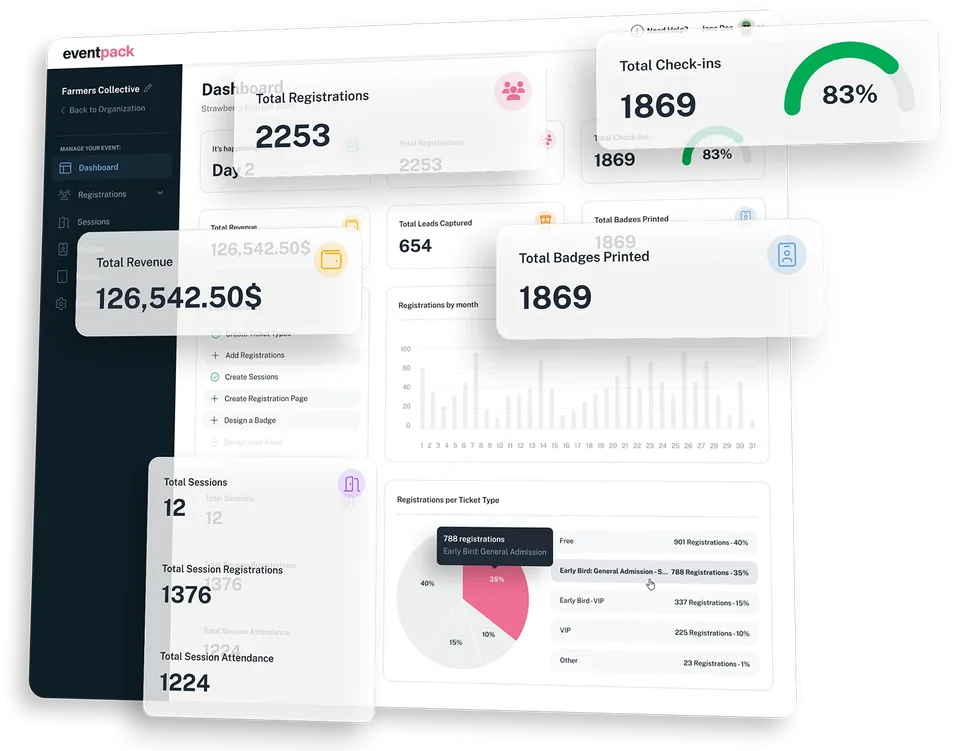
It builds structured exports: you choose the columns, filters and sort, then run the report now (it is emailed to your teammates) or on a schedule, as a CSV or zip file. During the event, the event dashboard shows registrations, check-ins, revenue, leads, badges printed and what is happening now. For deeper analysis, load the exports into the analytics tool your company already uses.
Seven types: registrations, orders, registration-page analytics, event check-ins, session check-ins, session attendance and pay-later payments. Registration reports can also carry session columns and, with the form-field add-on, custom question columns. Run a report now and it is emailed to your teammates, or set it to run on a schedule.
Into Eventpack: Cvent registrations, sessions and fields come in, and Cvent stays exactly as your team left it. Swoogo imports with a full resync, which also clears rows removed in Swoogo, so Eventpack matches your current list after each resync. Either way, you keep registration where it is and run check-in, badges and lead capture in Eventpack.
HubSpot: registrations to and from contacts with field mapping, attendees added to a list on check-in, and exhibitor leads exported when the partner is connected. Salesforce: registrations out as leads with field mapping and create-or-update rules, and leads captured at exhibitor booths can be pushed to Salesforce. Marketing automation, accounts, opportunities and ERP data stay in your CRM, where your team runs them.
Often, yes. If the tool works with Zapier (ask us which plan includes it), a new registration, order or check-in in Eventpack can start a Zap, and a Zap can create a registration. For deeper connections to supported event records, your developers can use the Eventpack API, which is granted separately. Tell us the tool and we will say which route fits.
MCP lets AI clients you approve on your organization read registrations, orders, sessions, exhibitors, leads, meetings and roll-ups. Any change goes through prepare-and-confirm: the client prepares it and a person on your team confirms it. Access stays controlled: an access mode limits personal data, and MCP is for your team only. MCP is granted separately.
By default, bulk export and reports come with every plan, and HubSpot, Swoogo and card payments through Stripe or Authorize.Net with Enterprise; ask us which plan includes Zapier. Salesforce, Cvent, the Eventpack API and Eventpack MCP are granted separately rather than tied to a plan. Custom question columns in registration reports need the form-field add-on. Contracts can differ, so tell us your stack and we will confirm what your package needs.
Organization members hold one of six roles: Owner, Admin, Staff, Report user, Connector or API user, and we will walk you through what each role can see and do. Extra members are an add-on, and the number of included seats depends on your plan. With the sub-organizations add-on, each child account runs its own events, members, API, MCP and Zapier under the parent.
Know what moves where before you commit
Bring your CRM, registration platform, payment setup and the reports each team asks for. We will walk through what moves where in a live Eventpack account, honestly and in detail.